



MultiControl PC software
Records the interface, reads the programs, writes them back.
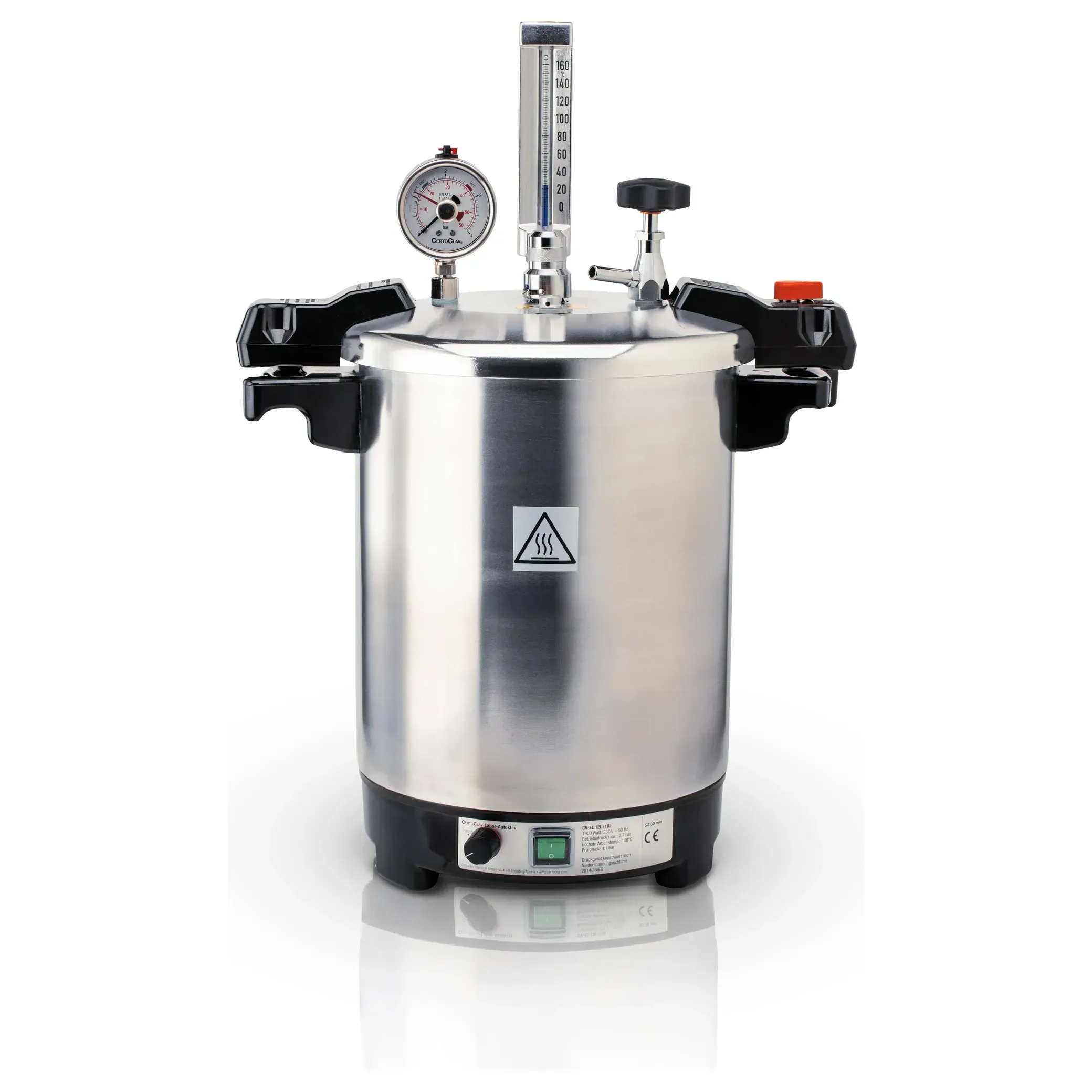
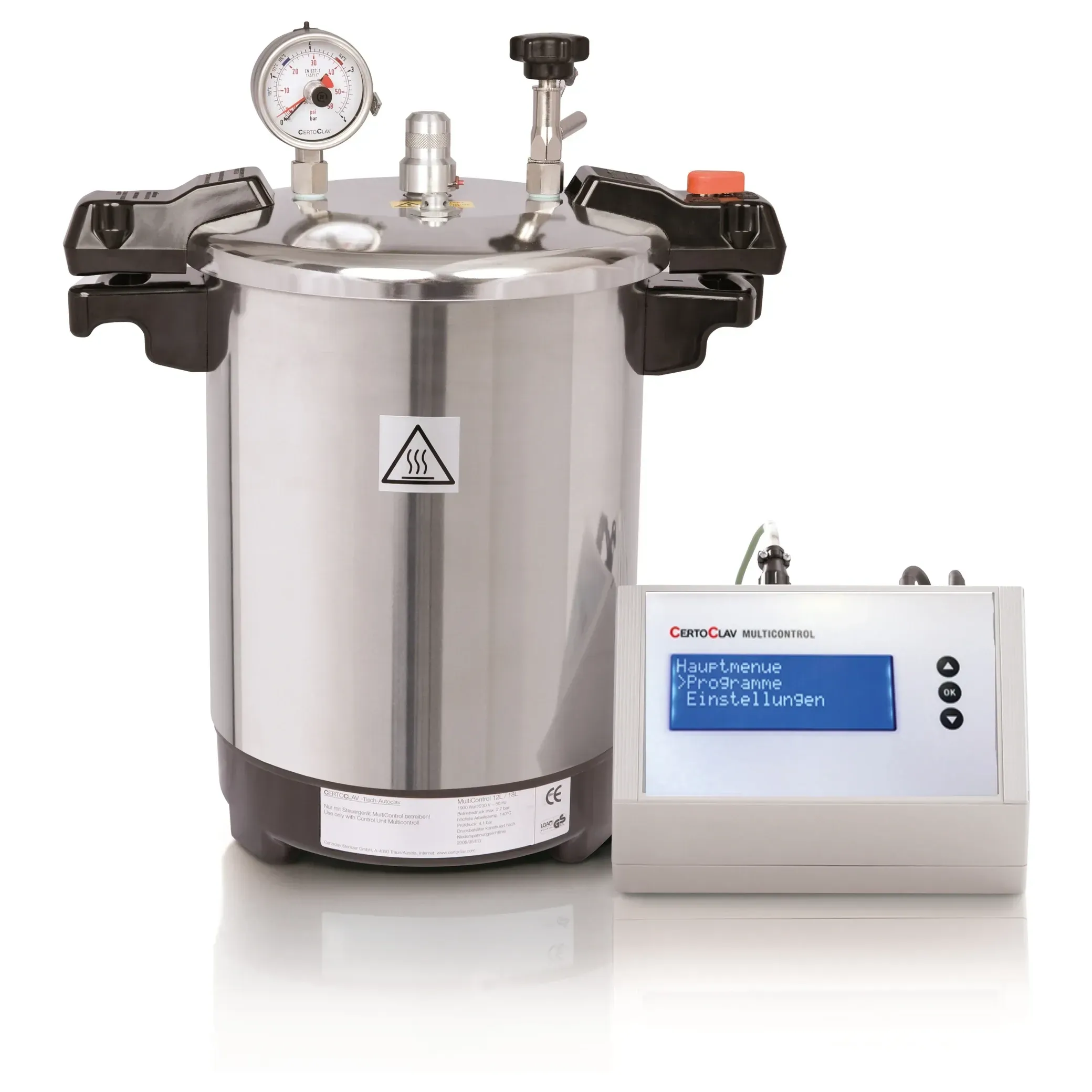
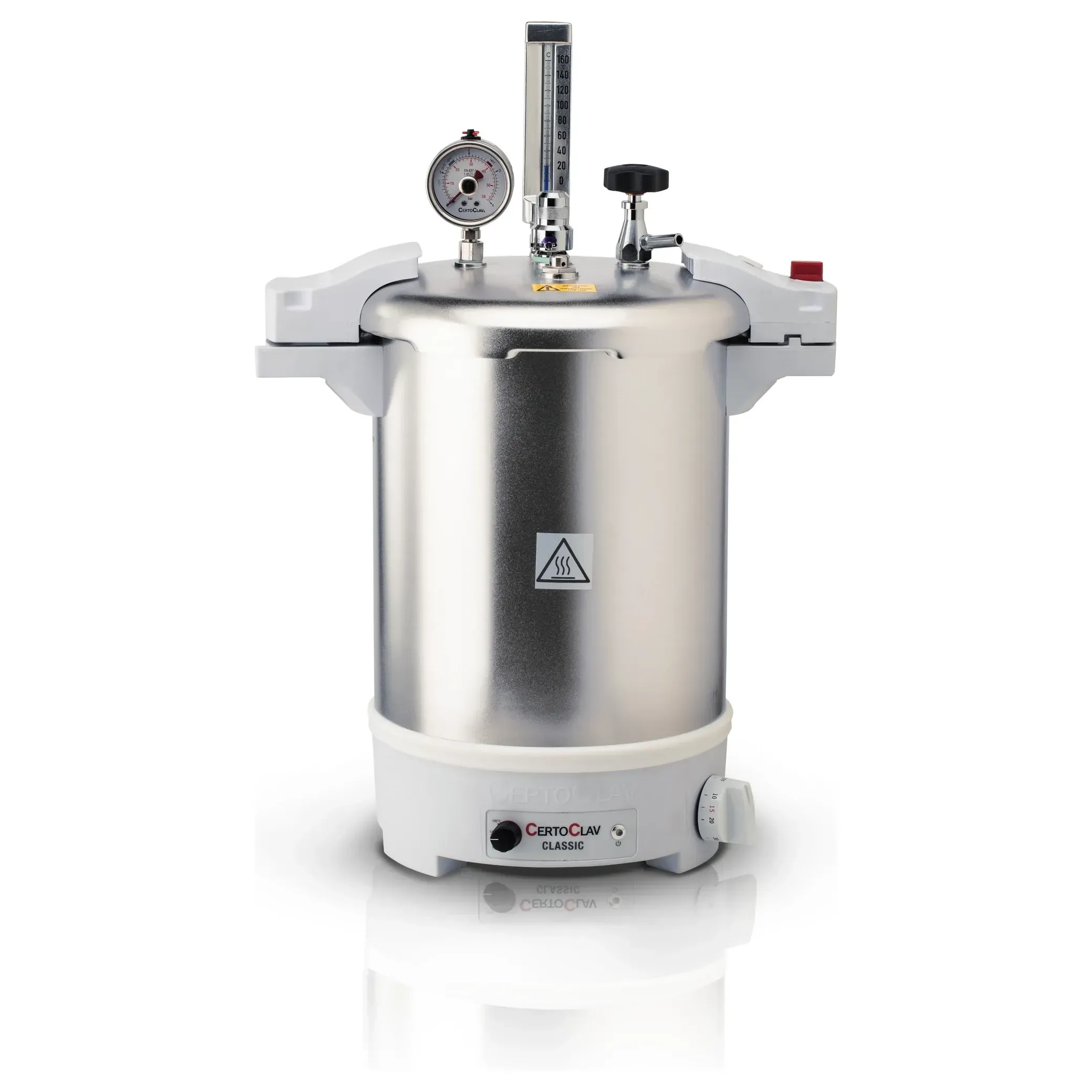
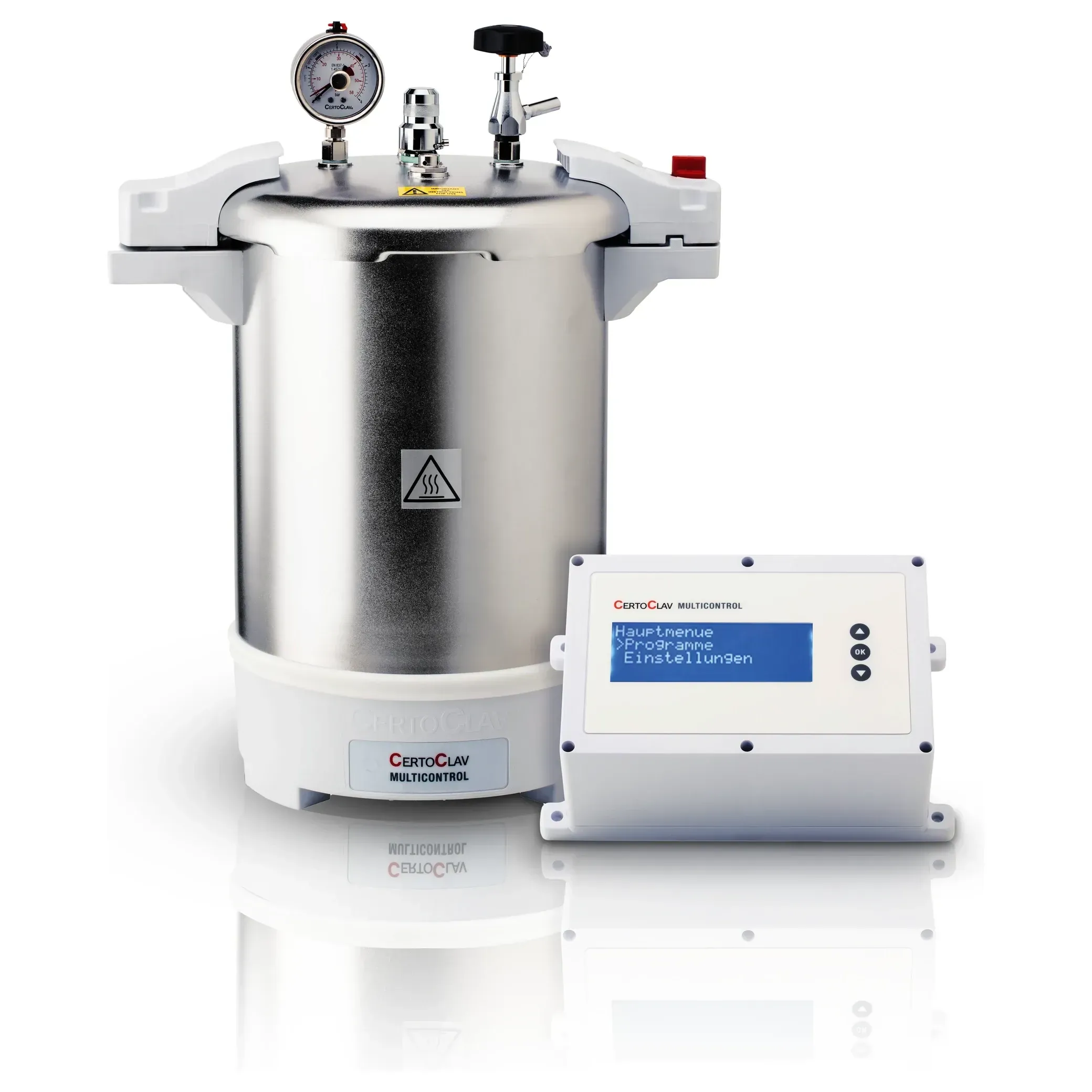
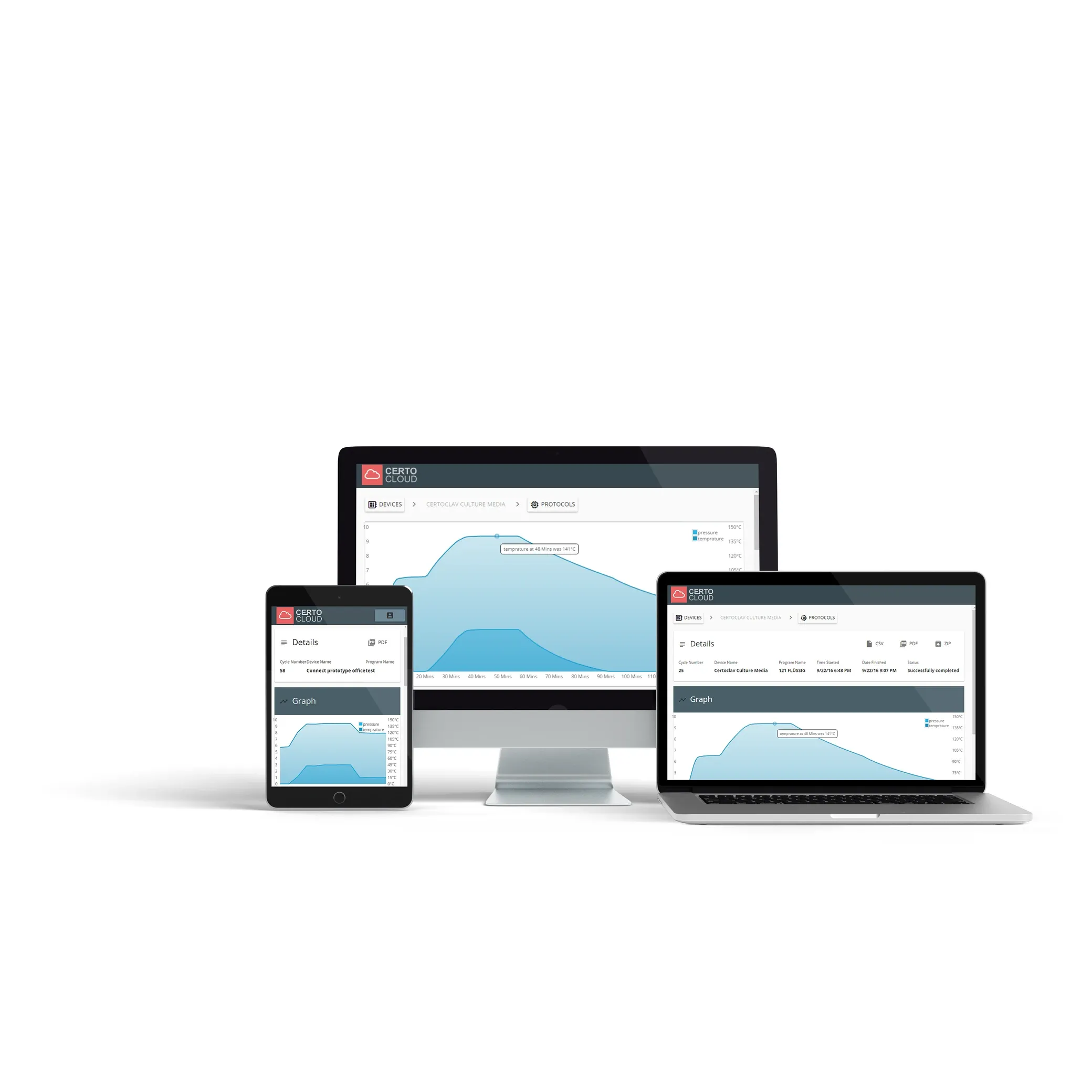
A Windows program that connects to a MultiControl autoclave over the serial interface. It logs everything the device sends into a file, fetches the stored programs and shows their temperature curves, and, with a premium activation, writes changed names and step values back into the device. Recording and reading work without any activation.
- Logs the serial interface to a file, from connect to disconnect
- Reads the programs from the device and draws their temperature curve
- Shows every step: Reach in °C, Hold in minutes, Finish
- Writes names, step values and menu visibility back: premium
- One window per device, several devices at the same time
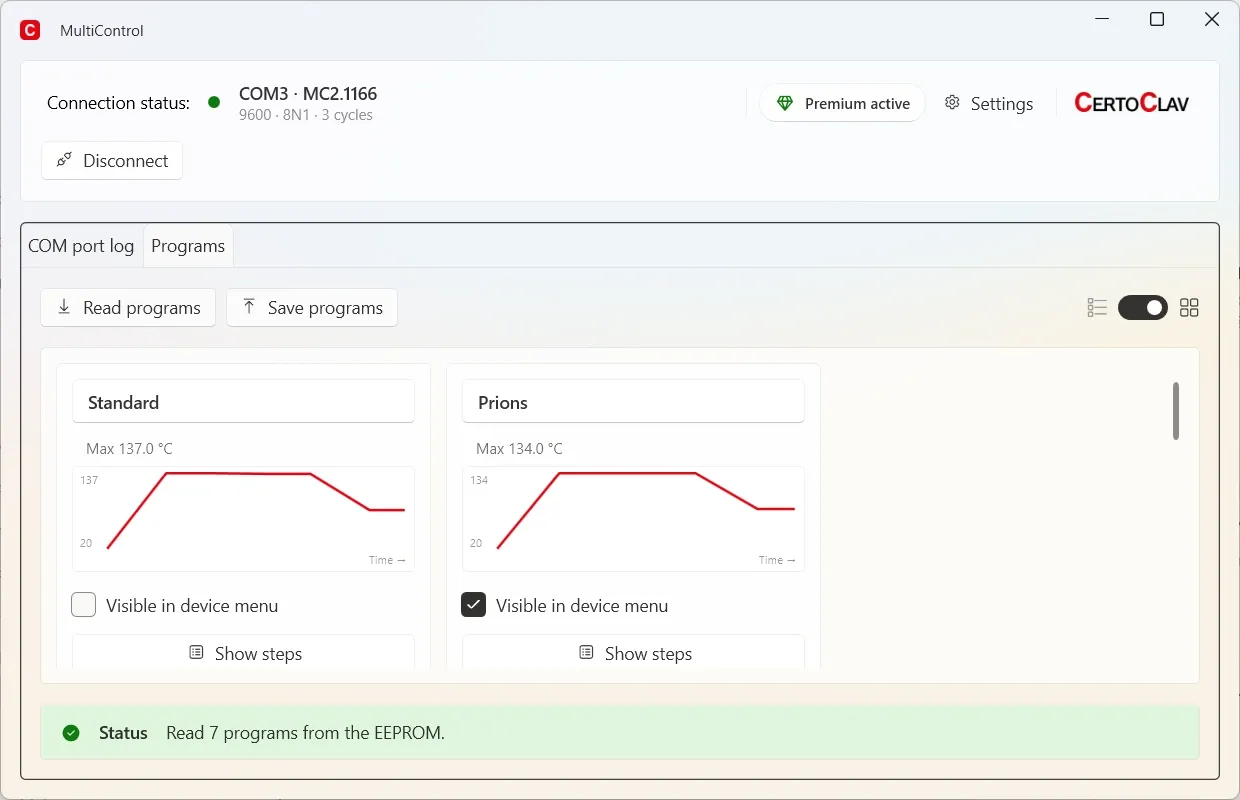
Reading is free. Writing is premium.
That is the whole difference. Everything you need to watch a cycle and check a program works without an activation.
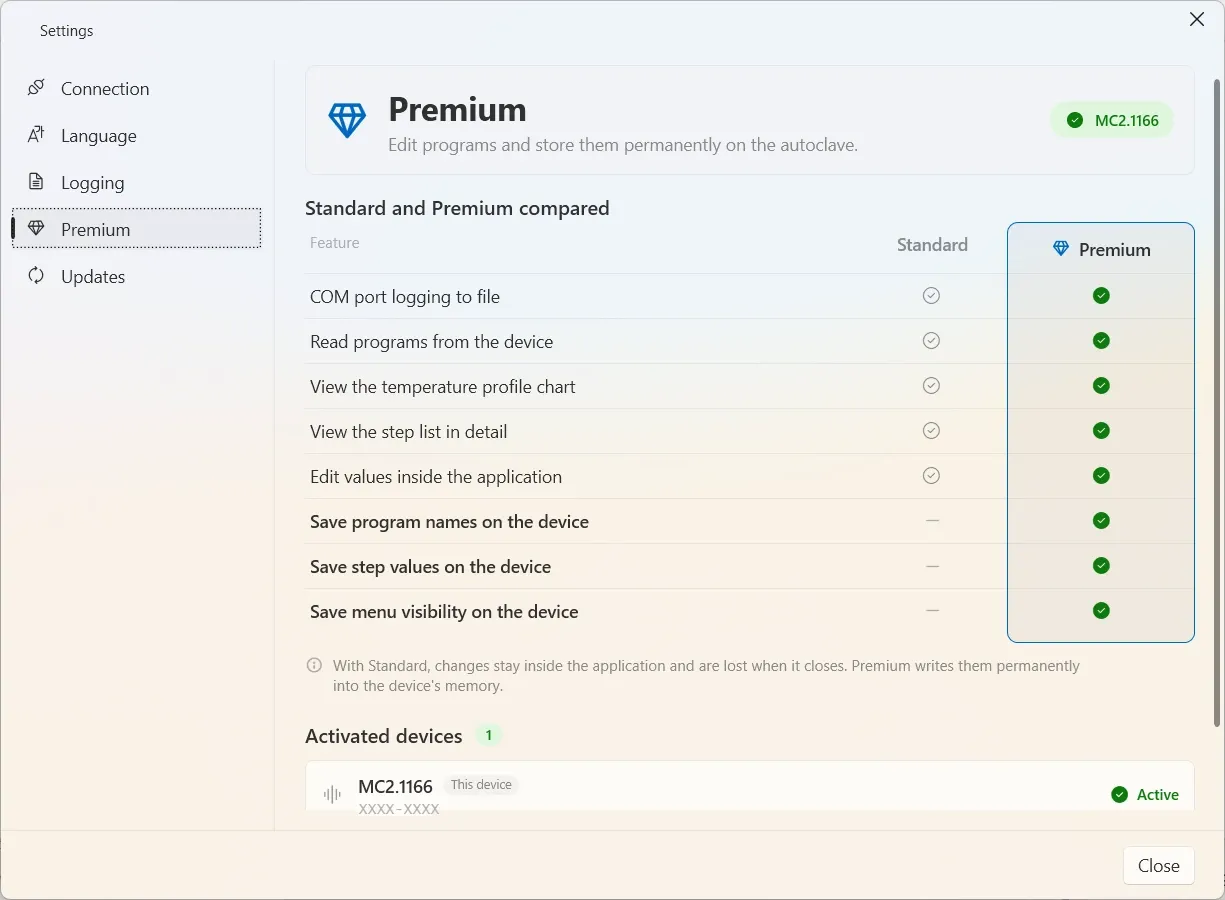
| Function | Standard | Premium |
|---|---|---|
| COM port logging to file | ✓Included | ✓Included |
| Read programs from the device | ✓Included | ✓Included |
| View the temperature profile chart | ✓Included | ✓Included |
| View the step list in detail | ✓Included | ✓Included |
| Edit values inside the application | ✓Included | ✓Included |
| Save program names on the device | : Not included | ✓Included |
| Save step values on the device | : Not included | ✓Included |
| Save menu visibility on the device | : Not included | ✓Included |
Without the activation, changes stay inside the application and are gone when it closes. The activation belongs to a device, not to a computer: it is tied to the autoclave's serial number, so a new PC only needs the key entered again.
What you need
- Operating system
- Windows 10 or 11 (64 bit)
- Connection
- A USB-to-serial adapter and a cable to the autoclave
- Interface
- 9600 · 8N1: the setting every MultiControl expects
- Permissions
- None in particular for daily use. Only installing and updating ask for the Windows confirmation.
- Languages
- German, English, Spanish, French
Where your data is kept
Outside the program folder, which is why it survives an update and even an uninstall.
- Documents\MultiControl\Logs
- The log files and, unless another folder was chosen, their backup copies
- %AppData%\CertoClav\MultiControl
- The settings and the premium activations
Download
Installing needs administrator rights, because the program goes into Program Files. An installation already in place updates itself: Settings → Updates.
All versions and release notesWindows will say „Publisher: Unknown"
The installer does not yet carry a code signing certificate. The file is the one built by CertoClav. Its checksum is published with every version, and the software compares it itself before installing an update.
SHA-256
4fe121d8d77f5d1d29d1afc83d0cbaa6d67e3749f8fb2d24696b80473976d74e
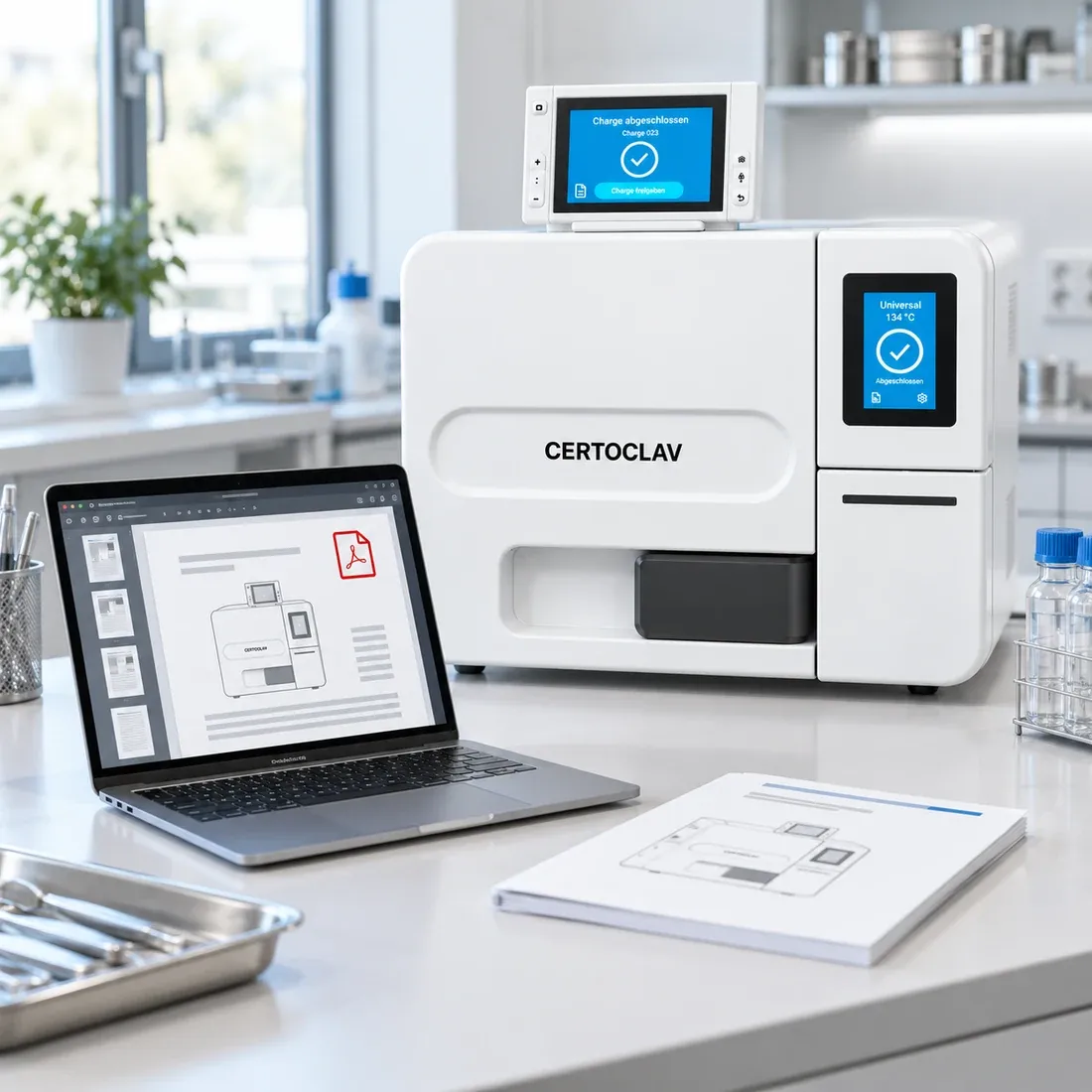
The manual
Everything on this page comes from it. Version 1.5.5, no registration, no form.
Parts and licences
Which documentation fits your setup?
Tell us the model and who has to read the records. We answer, and pass your enquiry to your dealer.