



ClavioSoft
It reads what your devices print, and you release it with one click.
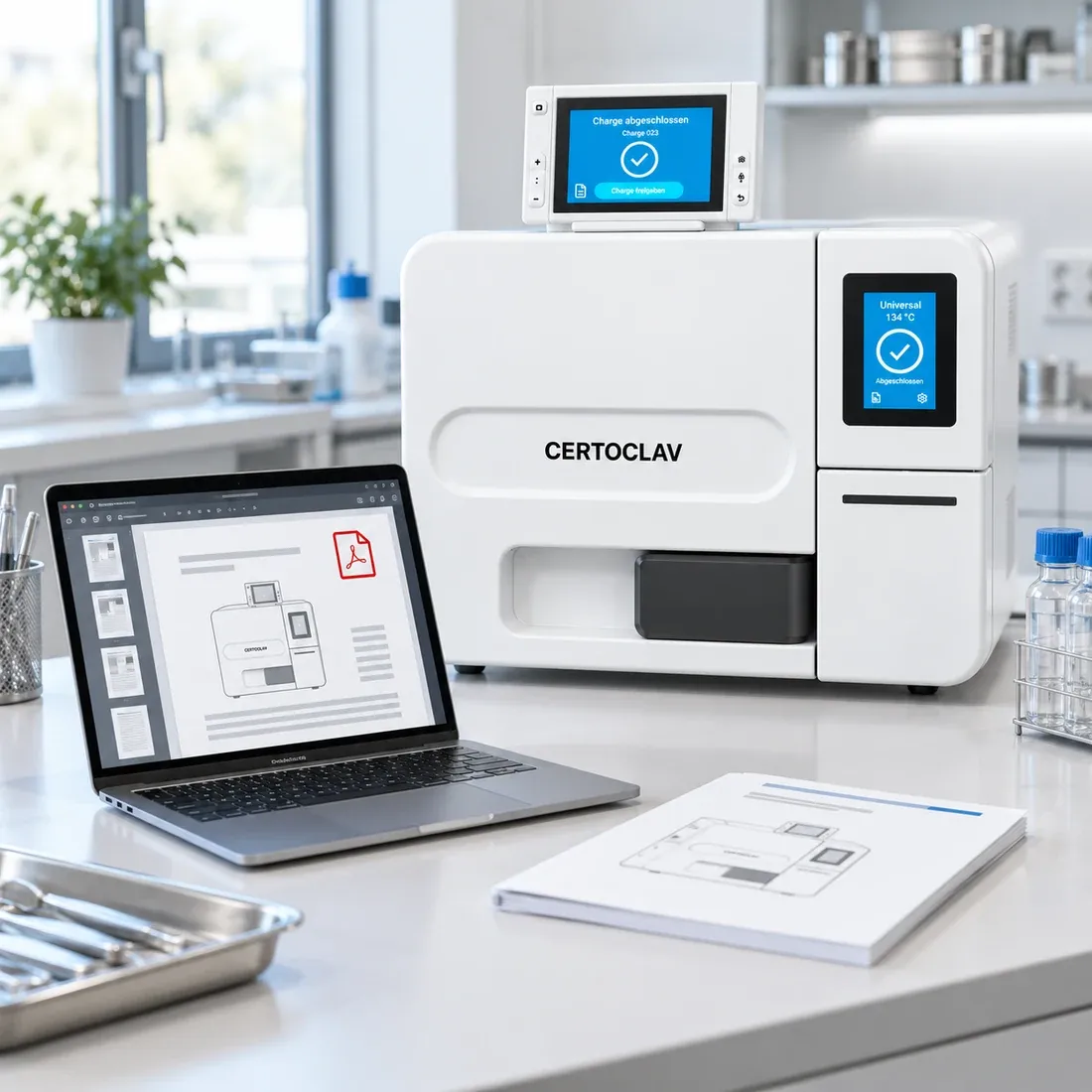
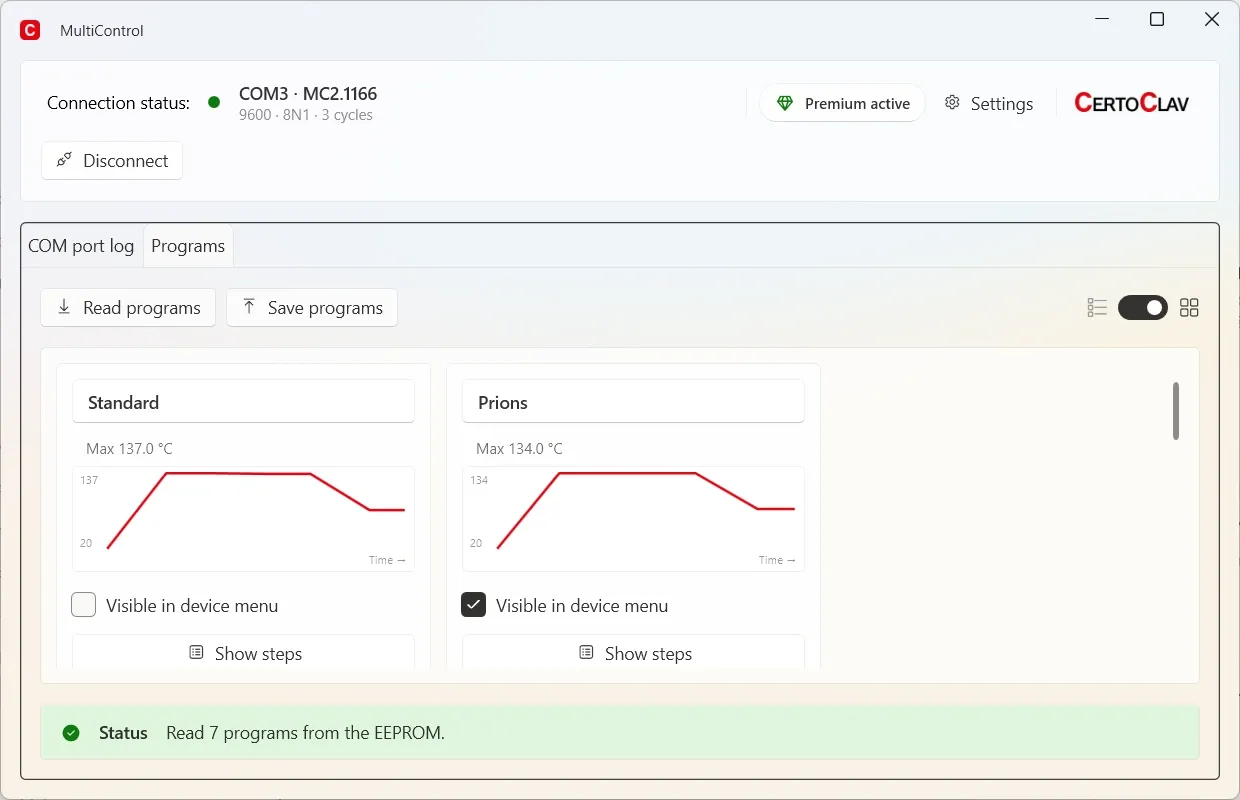
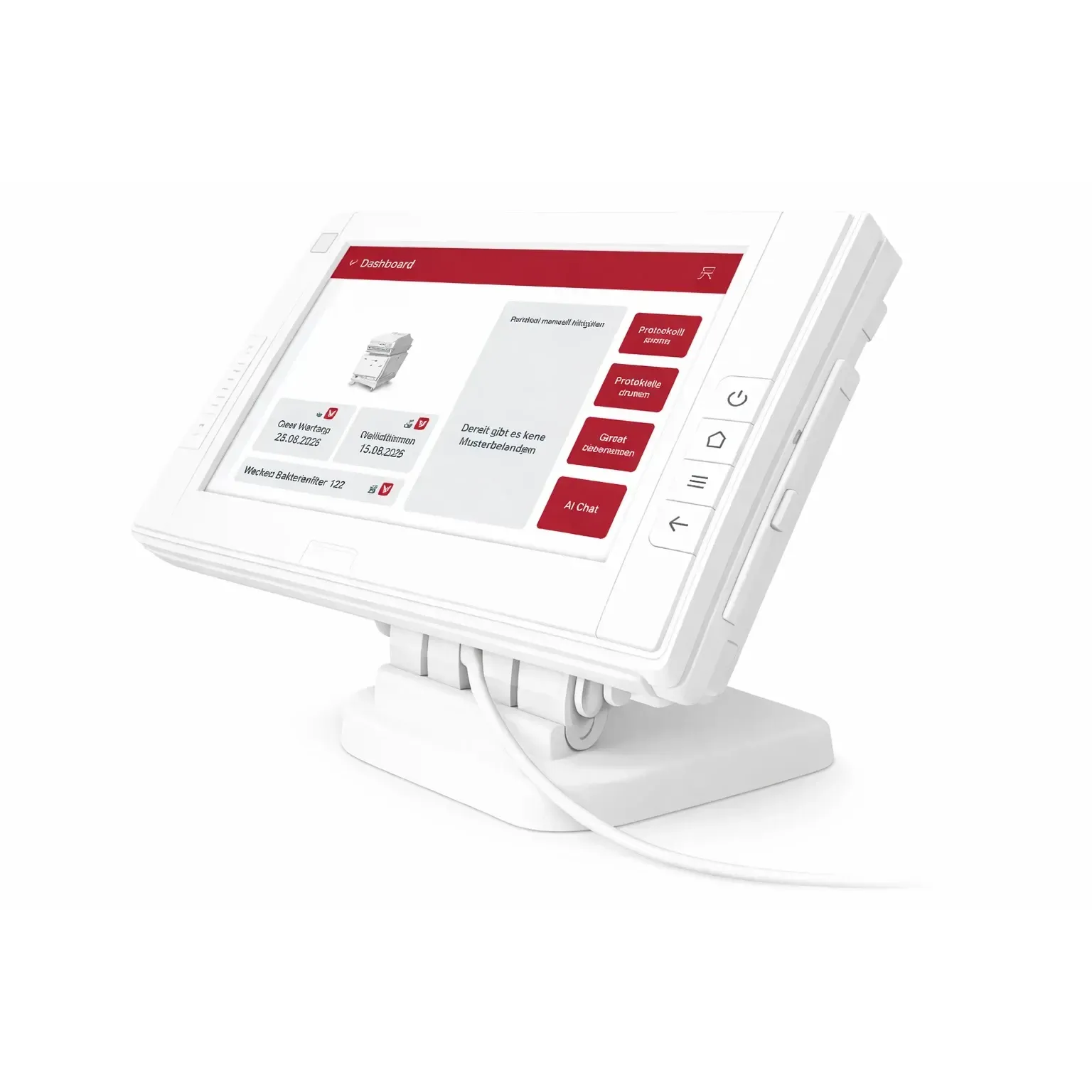
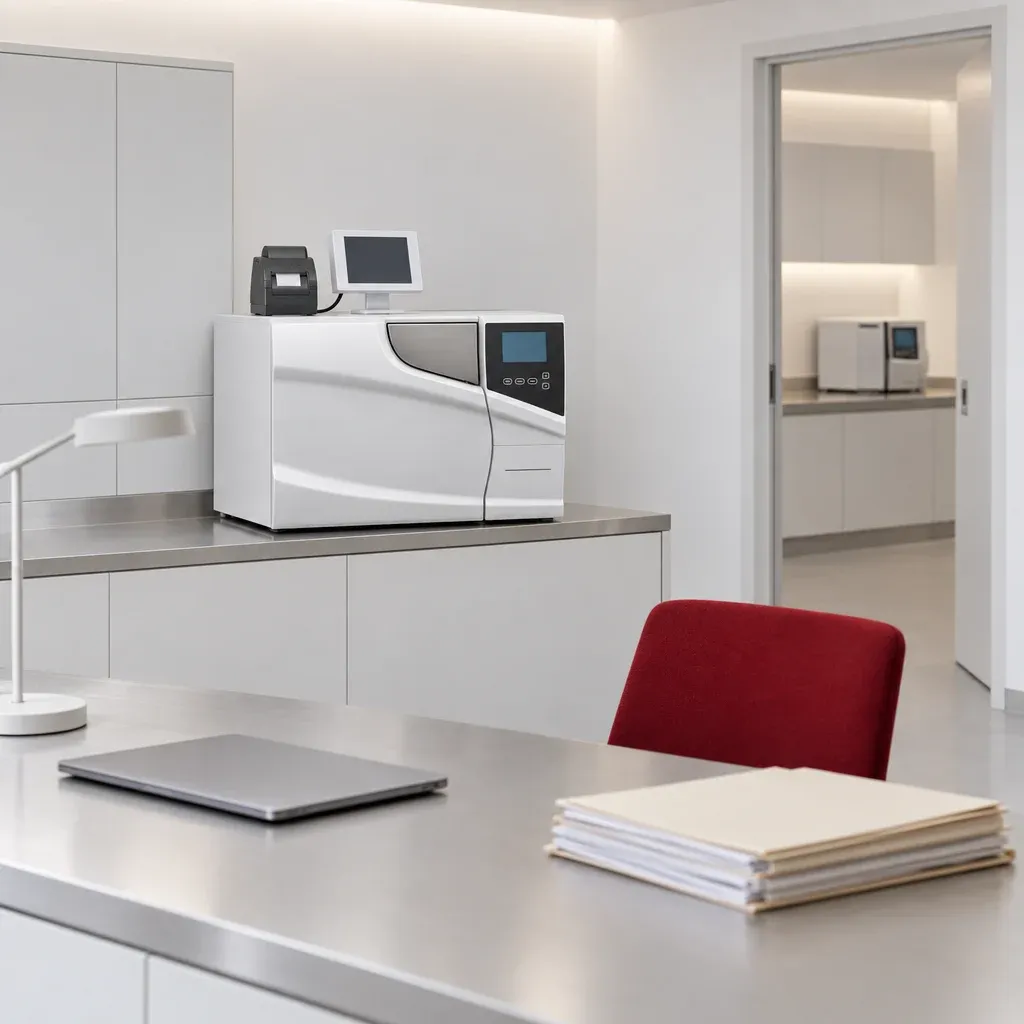
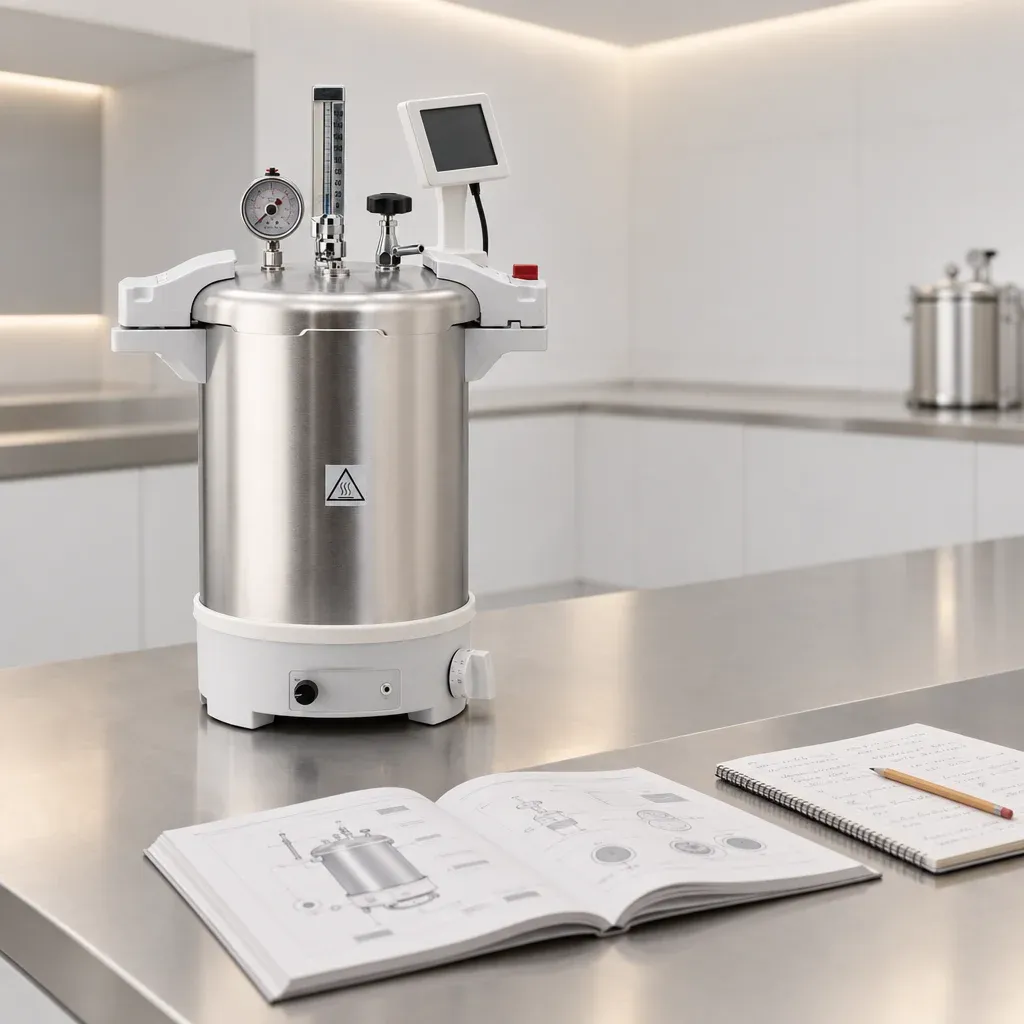
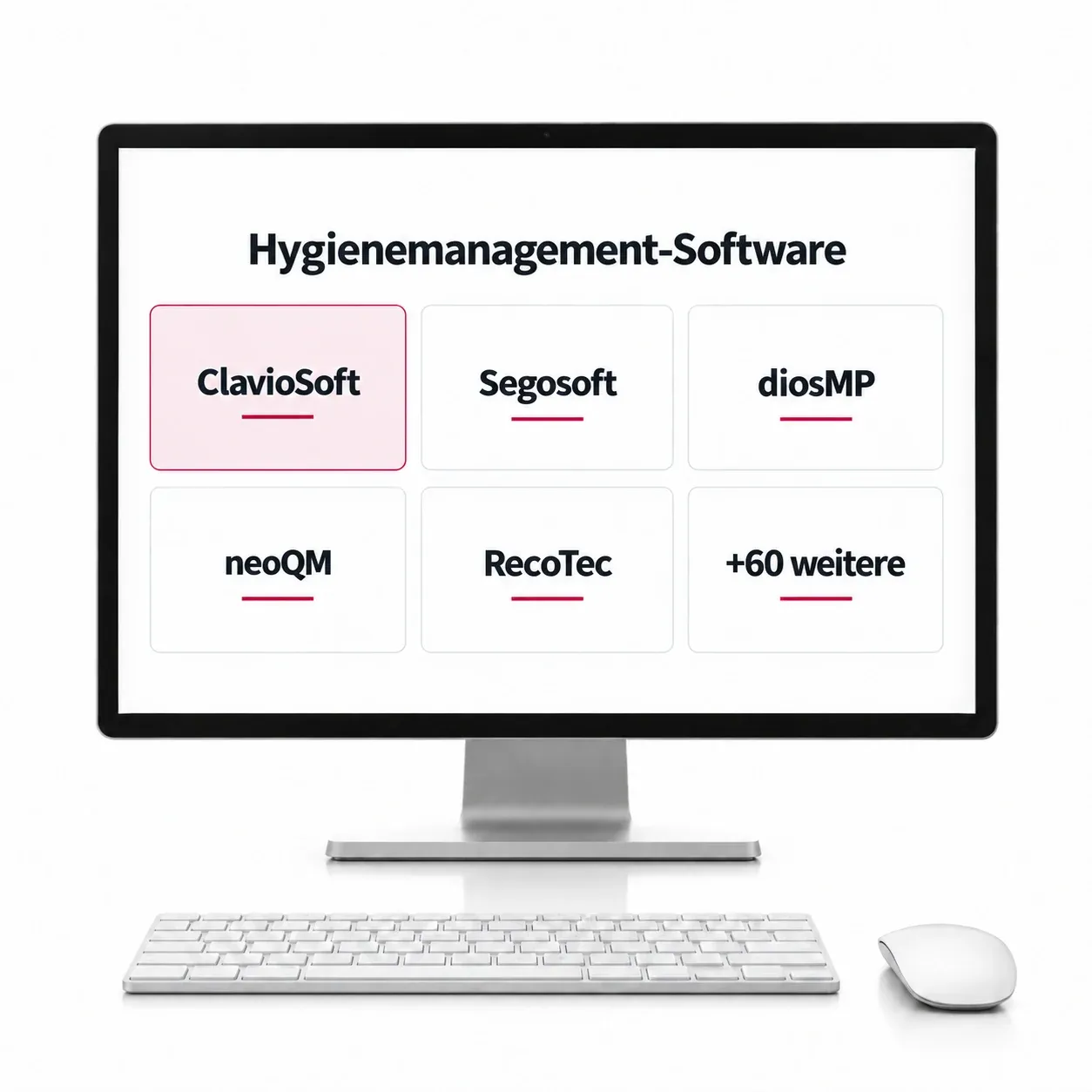
ClavioSoft picks up the batch records your devices produce, whichever way they leave them: as a printout, on a USB stick, over a serial port, WLAN or LAN. You check the cycle against the record and release it digitally, then print the label that keeps the batch traceable. The rest of the reprocessing file (illustrated tray lists, the risk classification of the instruments, the standard operating procedure, maintenance and revalidation intervals) lives in the same place. Its maker names over 200 connectable devices, from any manufacturer.
- Reads the records of over 200 devices, any manufacturer
- Digital batch release, then the label for traceability
- Tray lists, risk classification and the SOP in one file
- Maintenance and revalidation dates watched for you
- Runs on a Windows PC, updates included
Not a CertoClav product. We recommend it because it fits. The licence and the support come from its maker.
Set it up once, then it runs with the day.
- OnceAdd the usersName and staff number. That is what later signs the release.
- OncePoint it at the recordsChoose the folder your devices write their protocols into. That is the setup.
- DailyCheck and releaseNew records are read in on their own. You check the cycle and release it digitally.
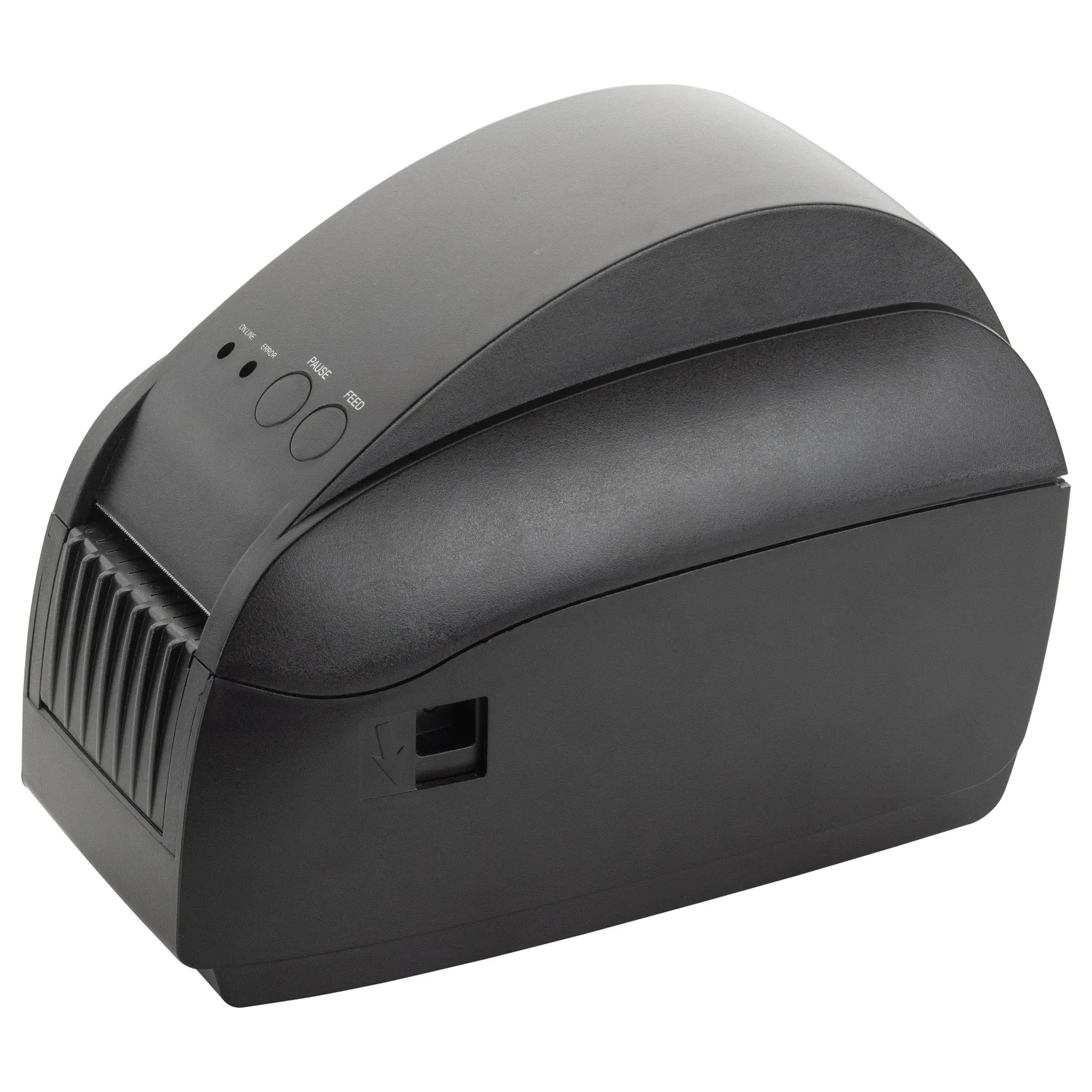
- DailyPrint the labelBatch, sterilisation date, expiry date and the person who released it.
- DailyLog the routine checksSeal test, ink test, washer-disinfector and autoclave checks: prepared, one click each.
What it keeps, besides the cycle.
- Illustrated tray lists
- Every set with a photo, so a set is identified rather than remembered.
- Risk classification
- Instruments filed as non-critical, semi-critical or critical.
- Standard operating procedure
- The written procedure for reprocessing, ready to hand.
- Maintenance and revalidation
- Due dates are watched; you are reminded before they pass.
- Batch archive
- Every cycle filed and found again in seconds.
However the record leaves the device.
Printed, exported or sent. It is read in either way.
- Printout
- USB export
- Serial port
- WLAN
- LAN
Which documentation fits your setup?
Tell us the model and who has to read the records. We answer, and pass your enquiry to your dealer.