Your software is probably already on the list.
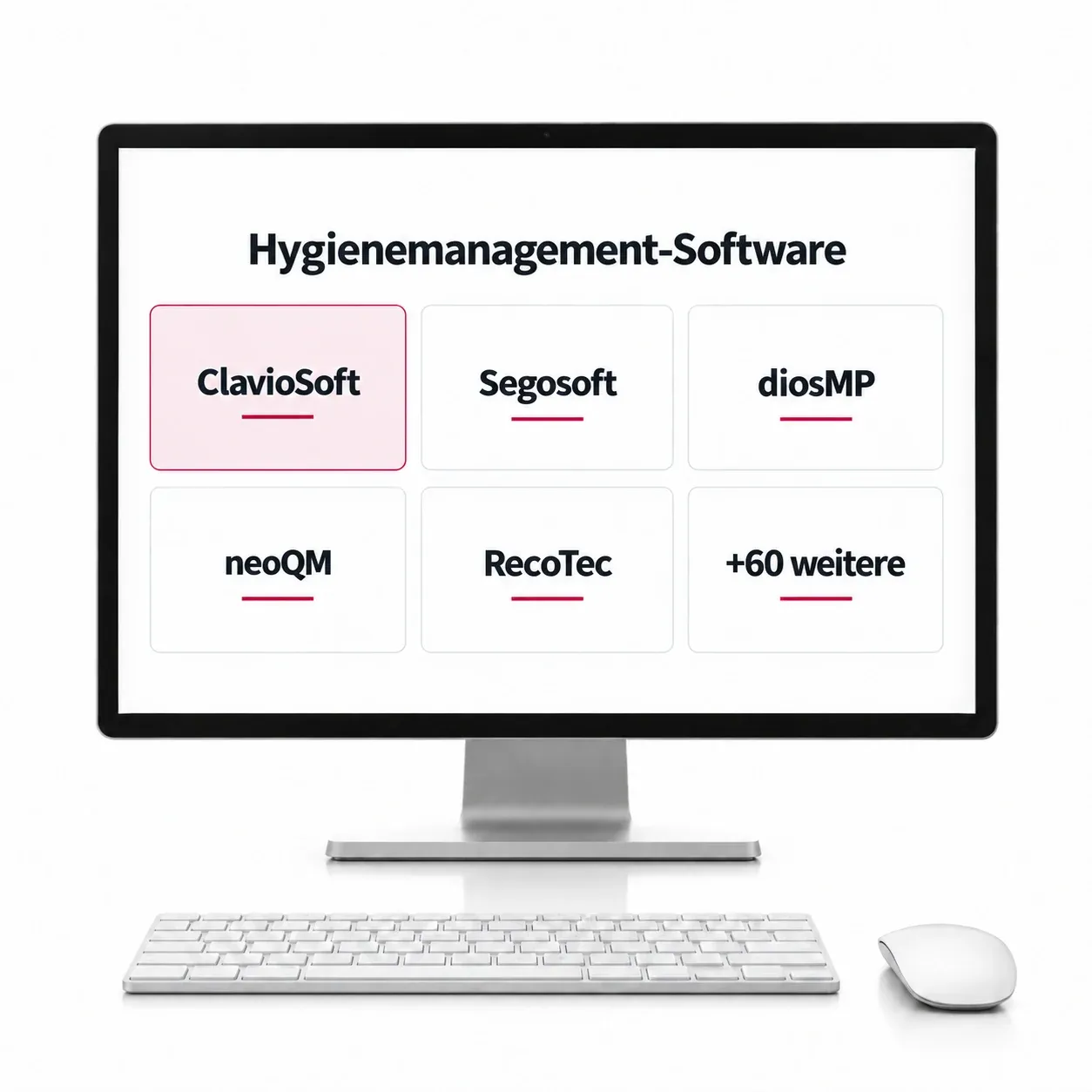
68 programmes checked, dental, medical, and hygiene documentation.
Dental practice software
- Dampsoft
- DOCma
- MPG Plandent
- Charly
- Evident
- Latido
- Quincy
- CGM Z1
- CGM Z1.PRO
- CGM XDENT
- ivoris
- DENSoffice
- LinuDent
- VISInext
- D1
- ChreMaSoft
- Dentport
- Softdent
- TouchDent
- ergodent
- Dental med XP
- Swiss Medical Record
- Prozessteam
Medical practice software
- CGM TURBOMED
- CGM MEDISTAR
- CGM ALBIS
- CGM M1 PRO
- CGM one
- medatixx
- x.concept
- x.isynet
- DOCexpert
- Duria
- T2med
- tomedo
- RED medical
- Medical Office
- EPIKUR
- psyprax
- Elefant
- SMARTY
- INNOMED
- CGM MEDXPERT
- CARE01
- PROMEDOX
- LogoMed
- ACETO
- appointmed
- vitomed
- triaMED
- curaMED
- Achilles
- Axenita
- Aeskulap
- MediWin CB
- Elexis
- pex II
- amétiq siMed
- WinMed
- MEDICOwin
- Praxistar
- djooze.health
Sterile goods and hygiene documentation
- ClavioSoft
- Segosoft
- diosMP
- neoQM
- RecoTec
- HSD-ChargenDoc
Not listed does not mean not compatible. The connection is a folder, not a proprietary interface. Ask us and we will check your program.
Two devices, two routes.
Both end up in the same folder.
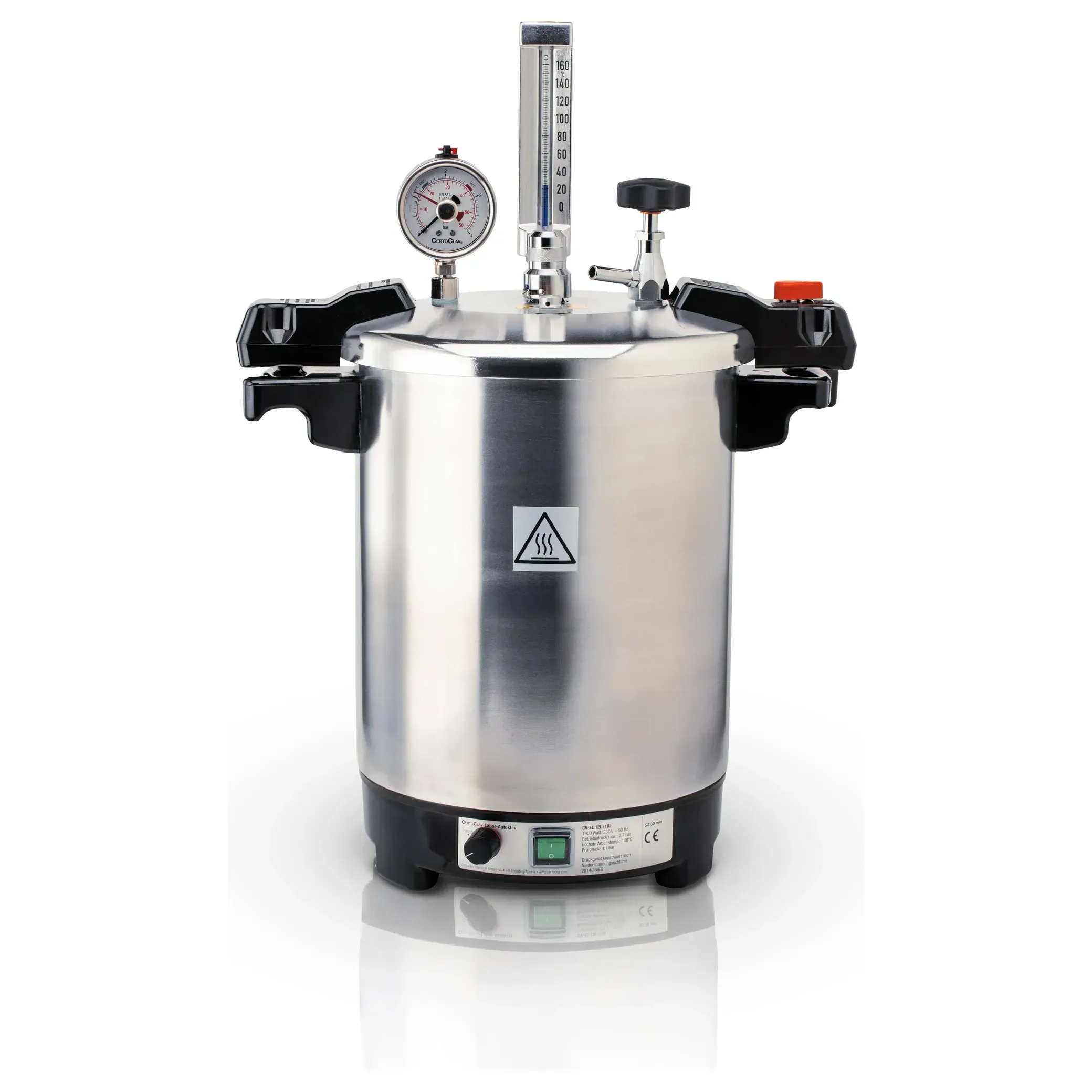
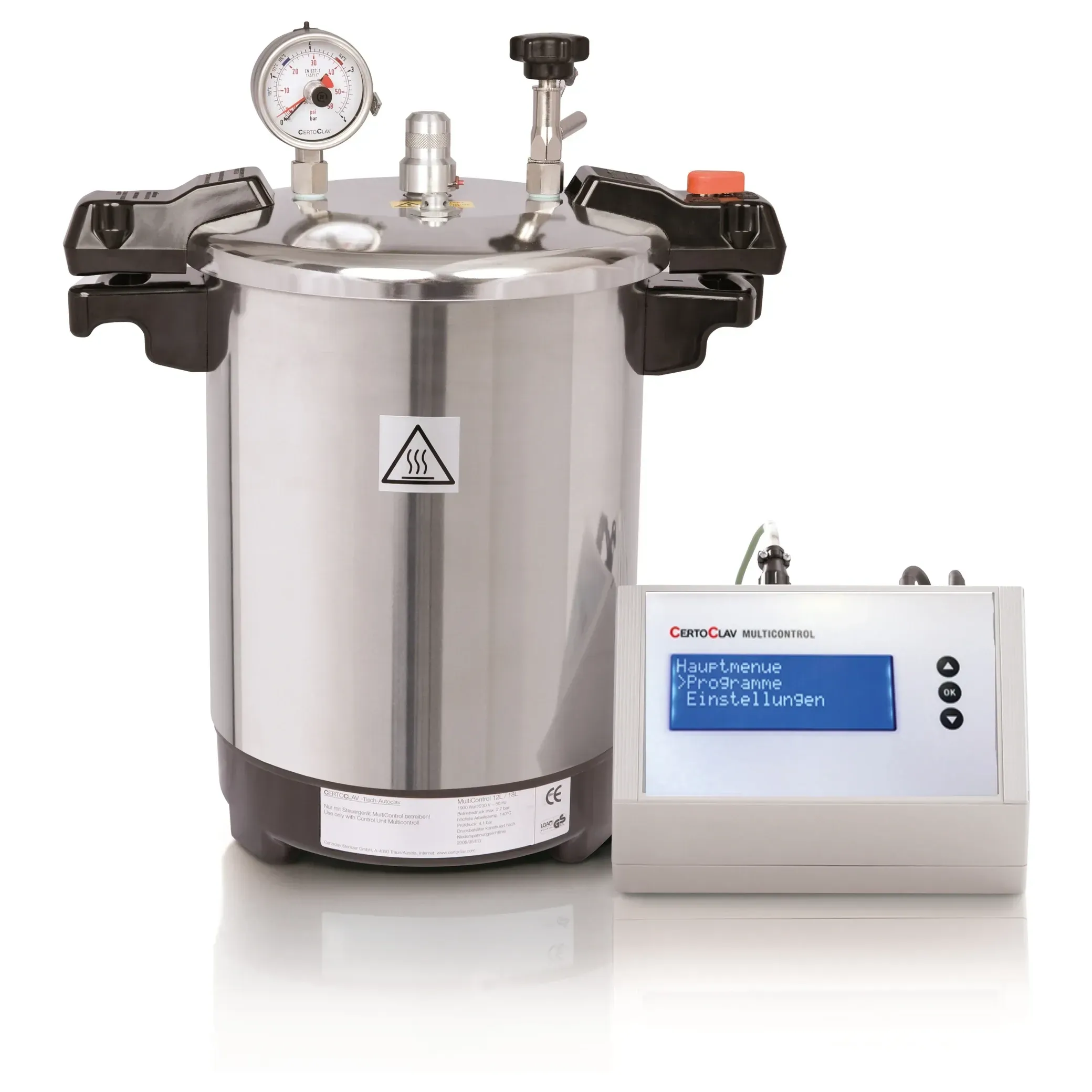
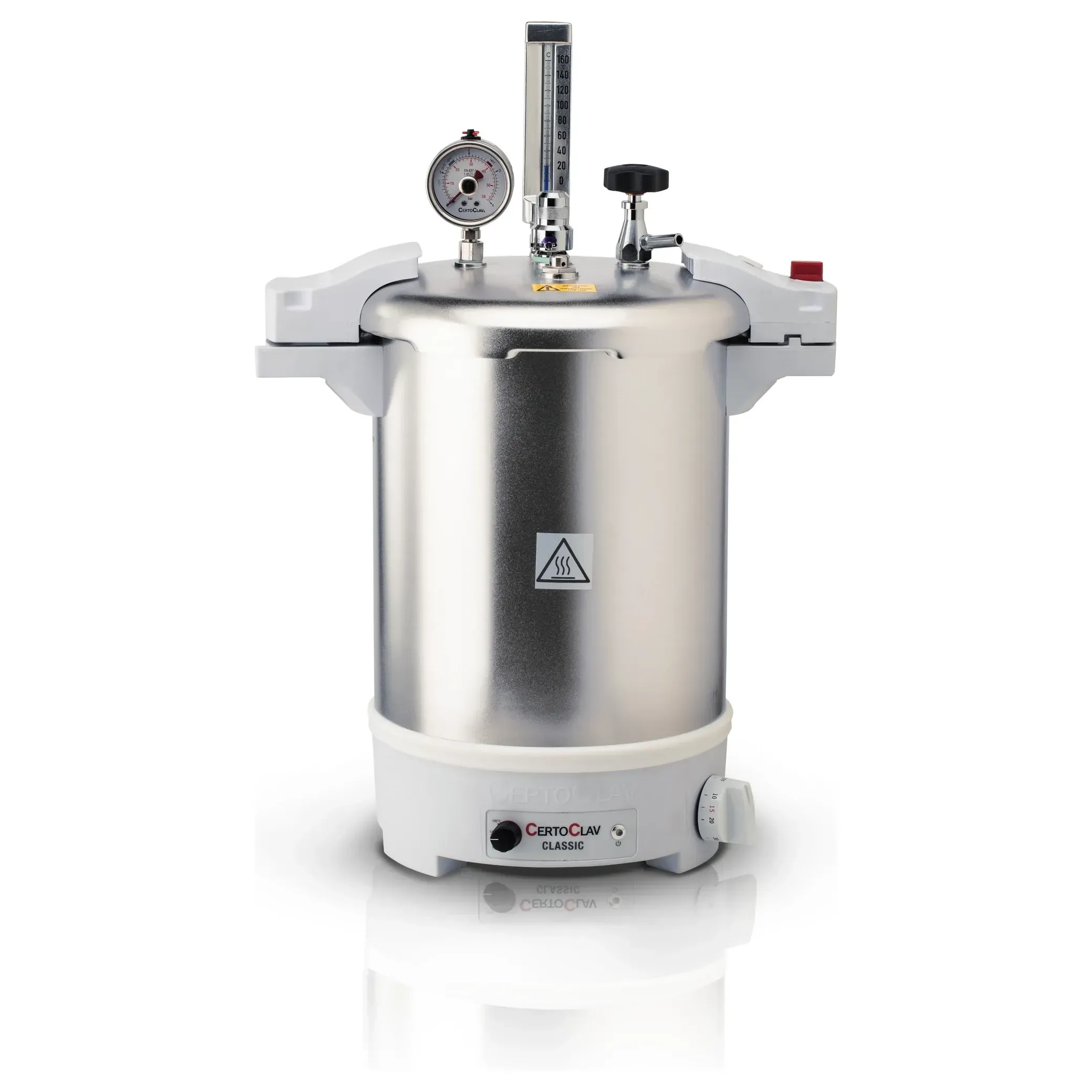
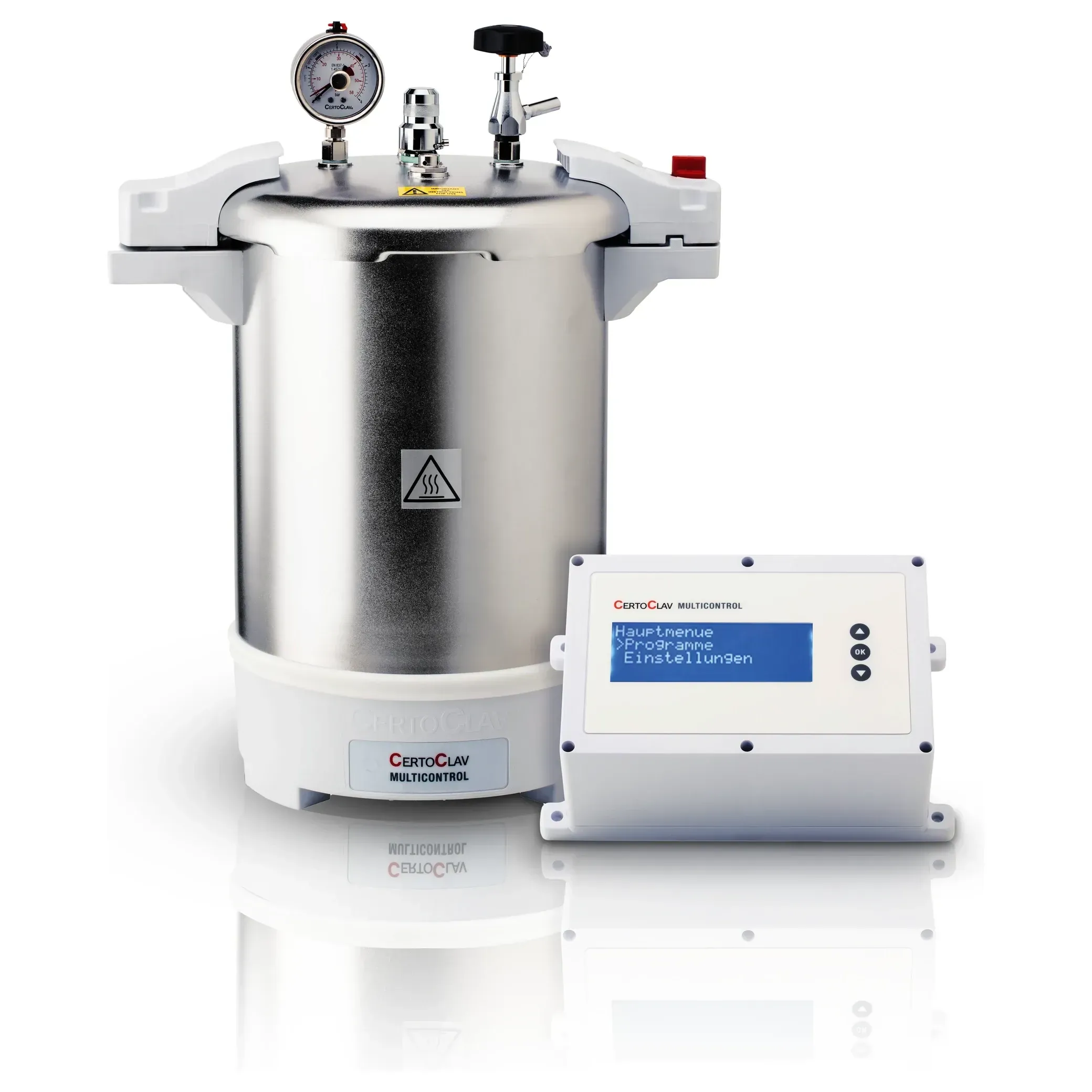
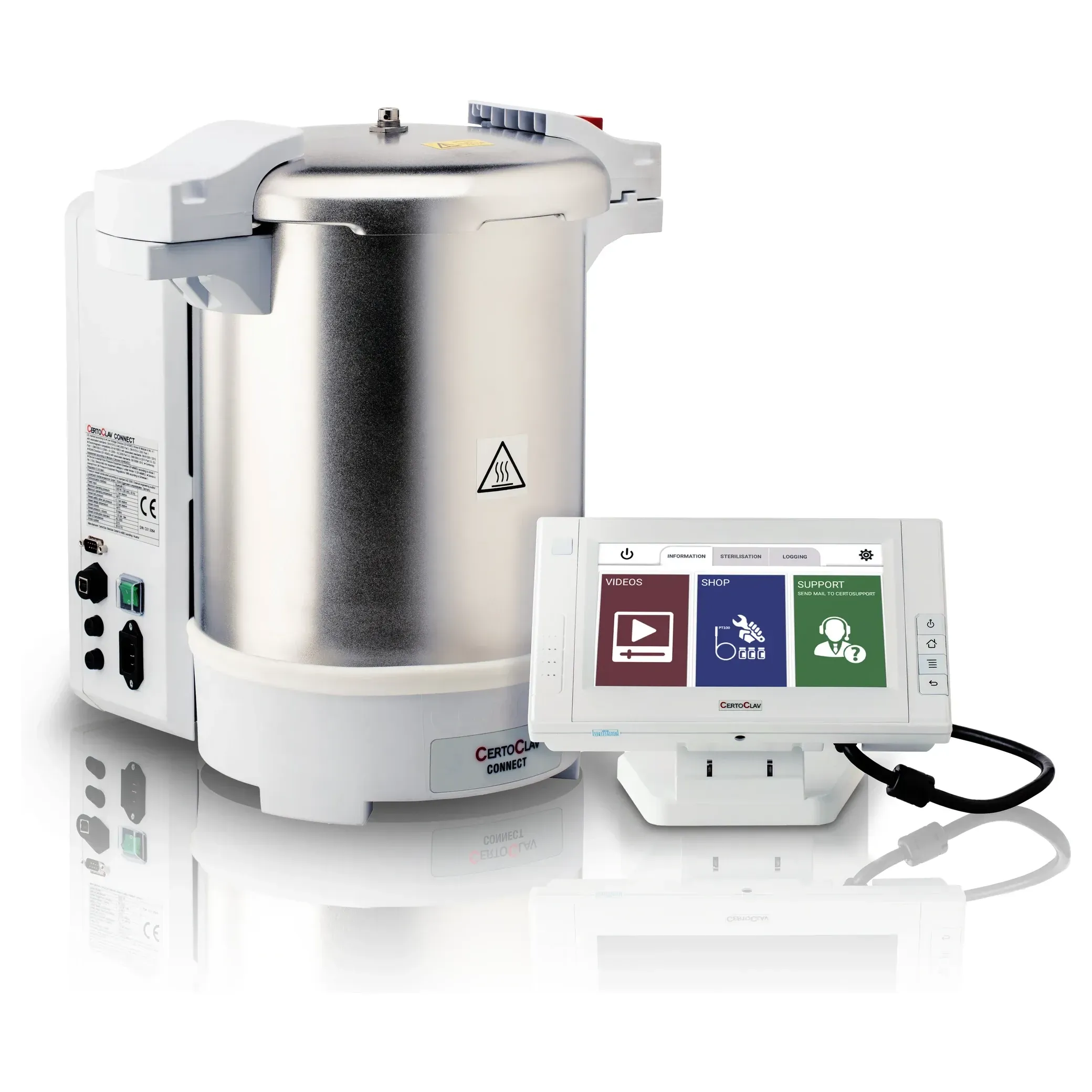
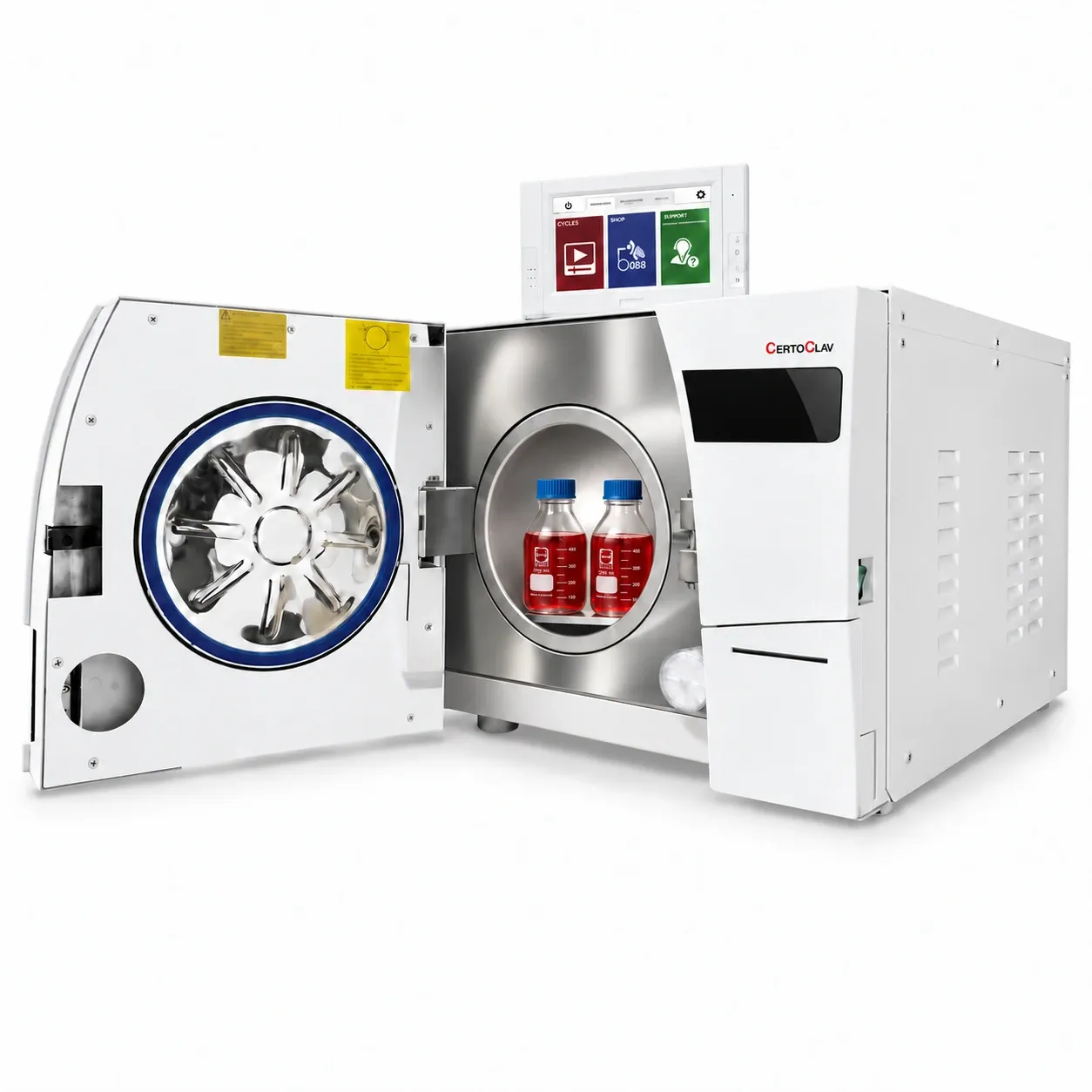
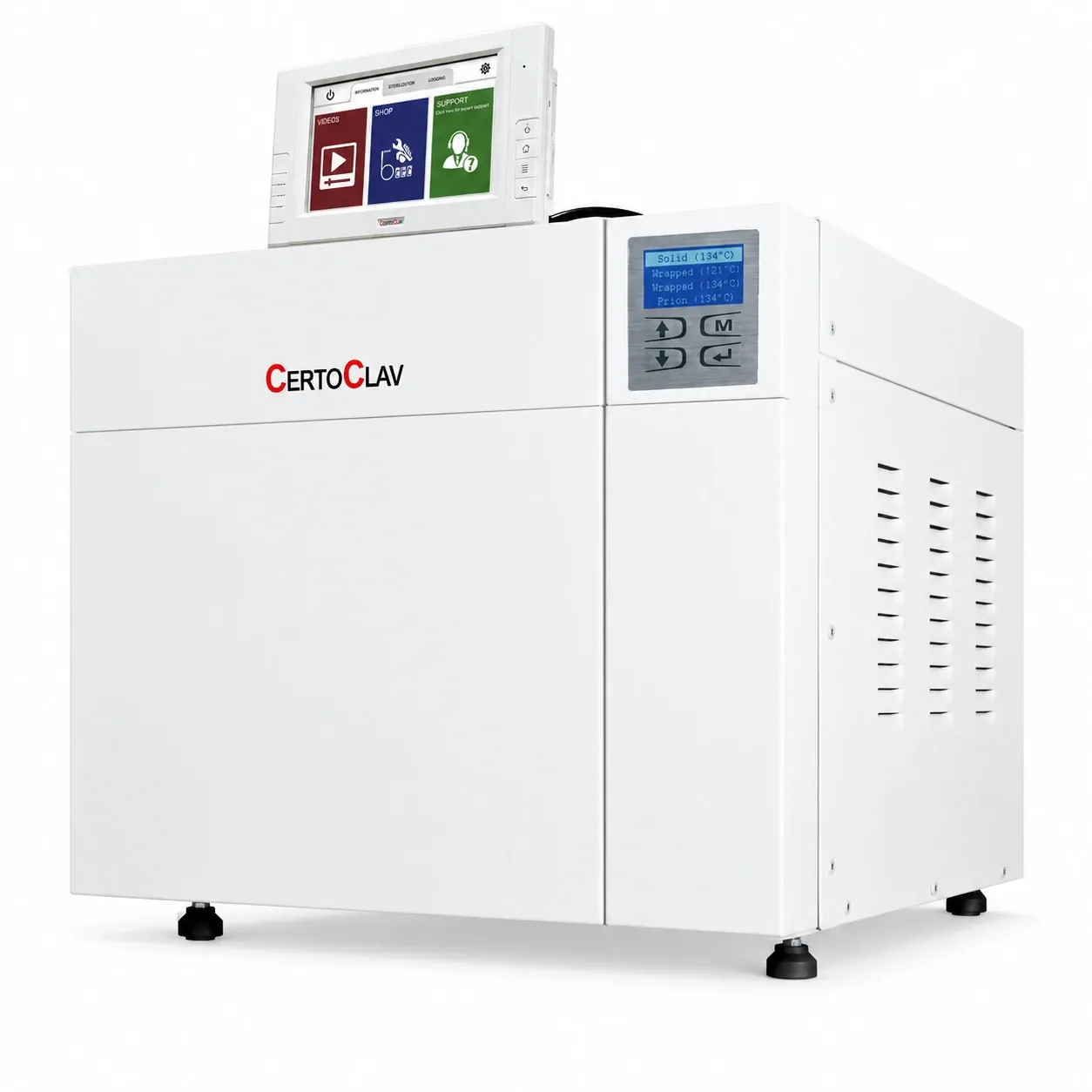
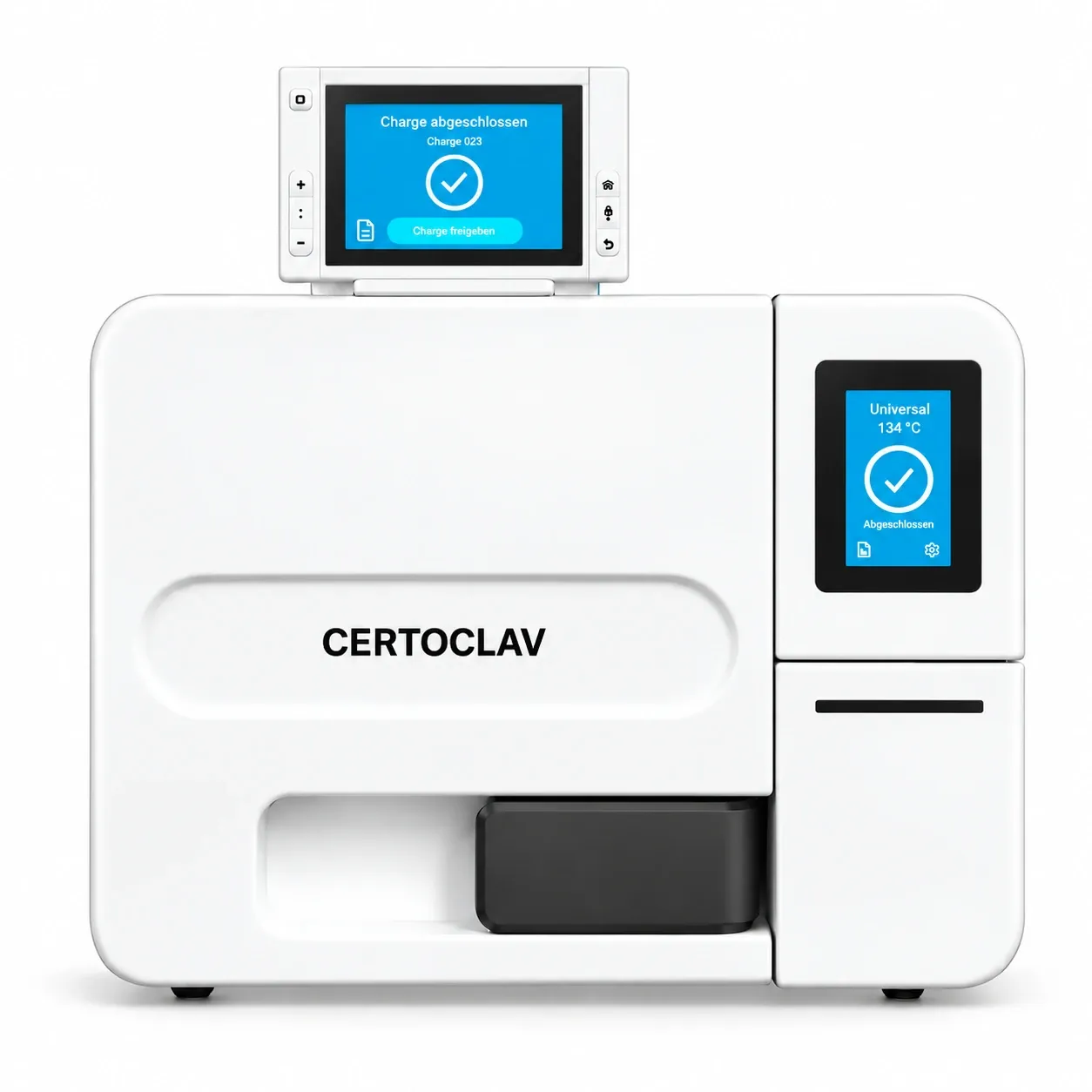
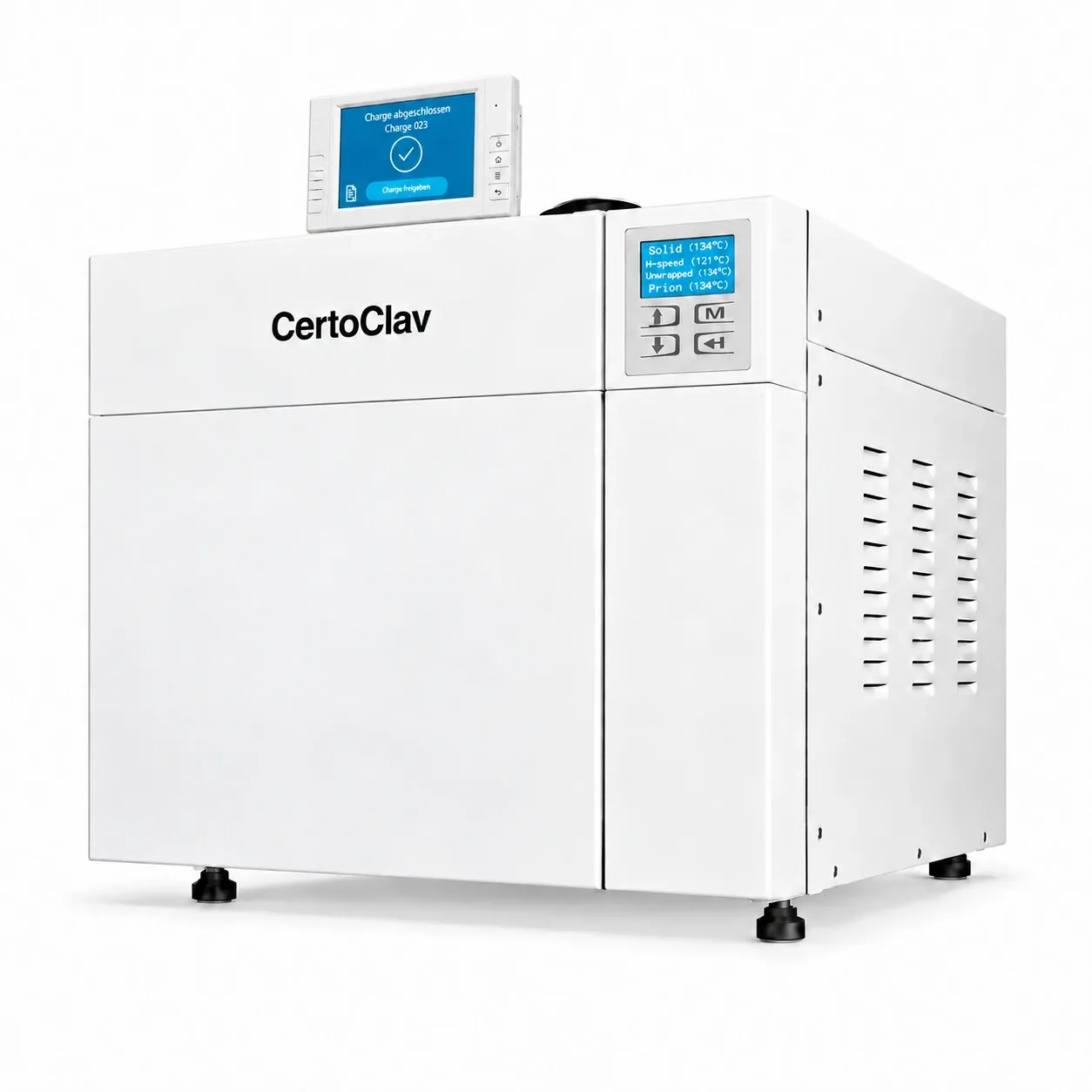
Class B autoclaves
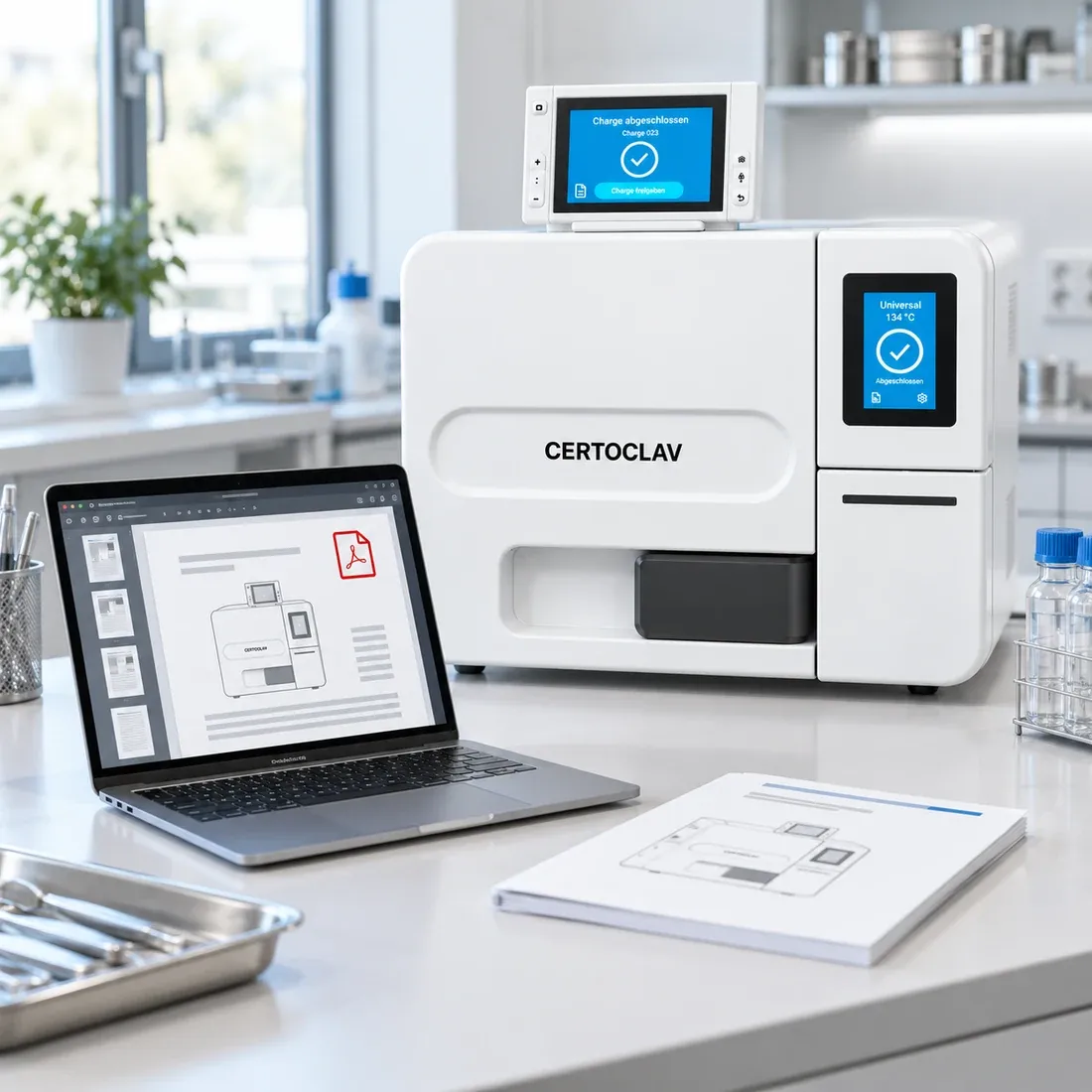
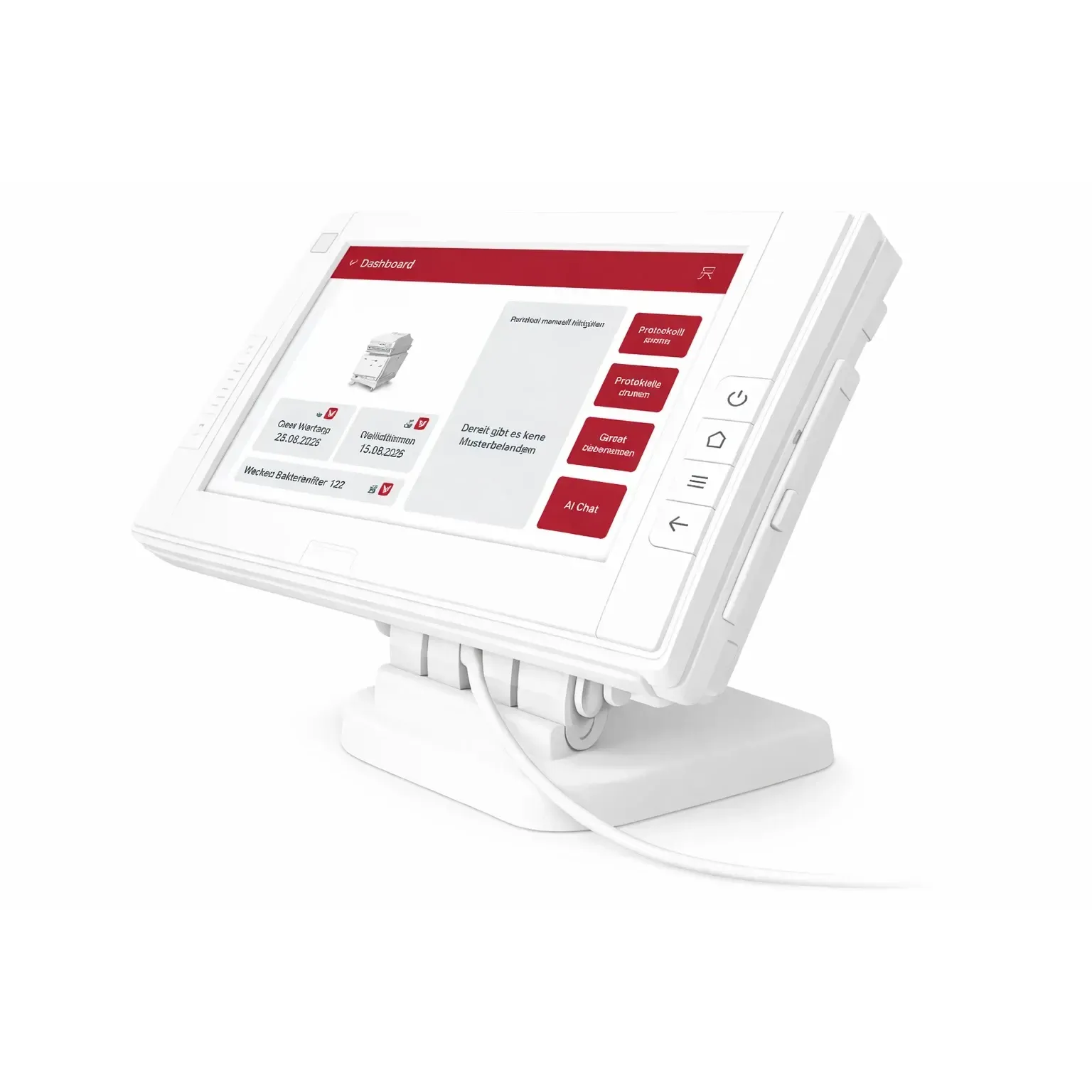
The terminal is included with every device. It writes the batch record and hands it over by LAN, WiFi or the serial interface.
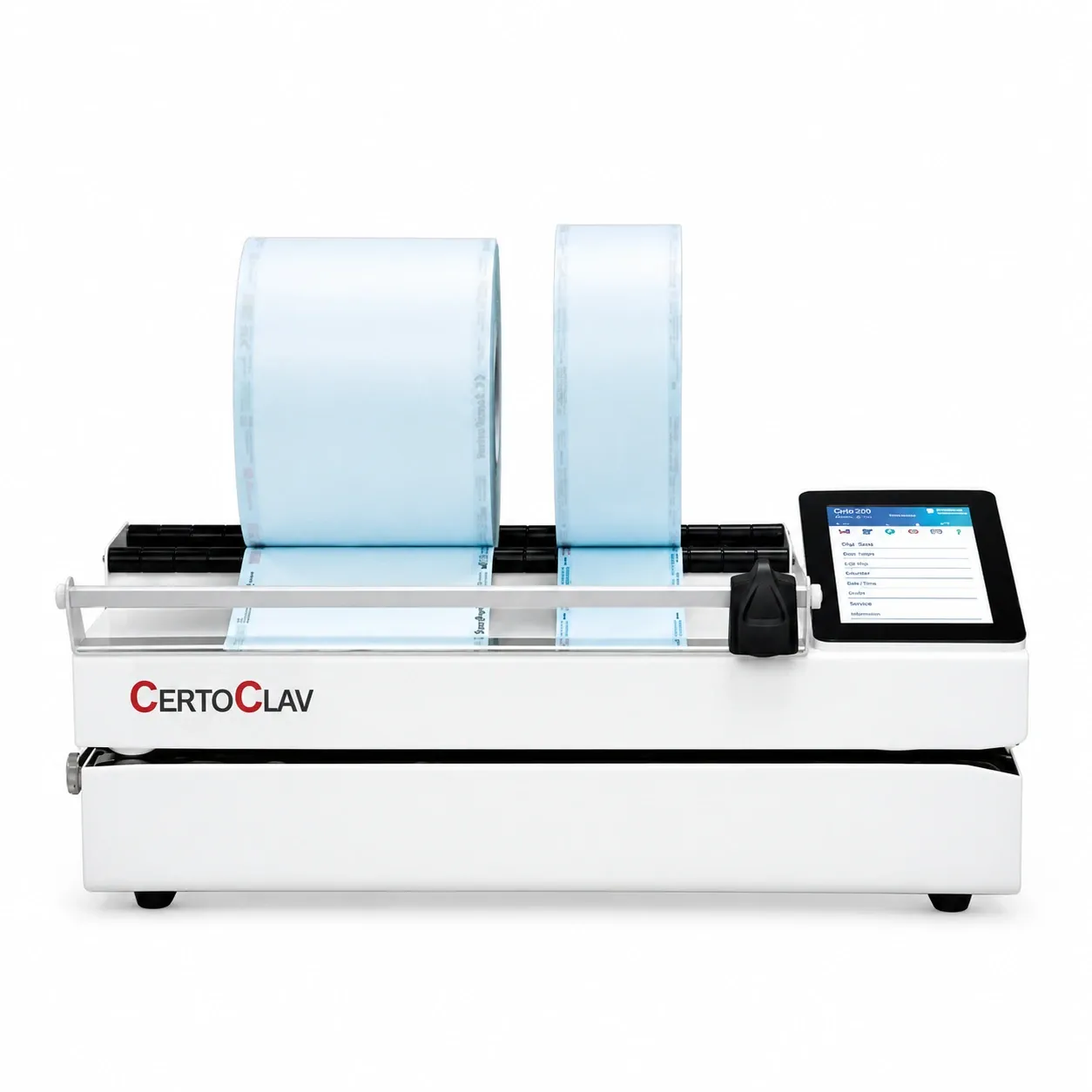
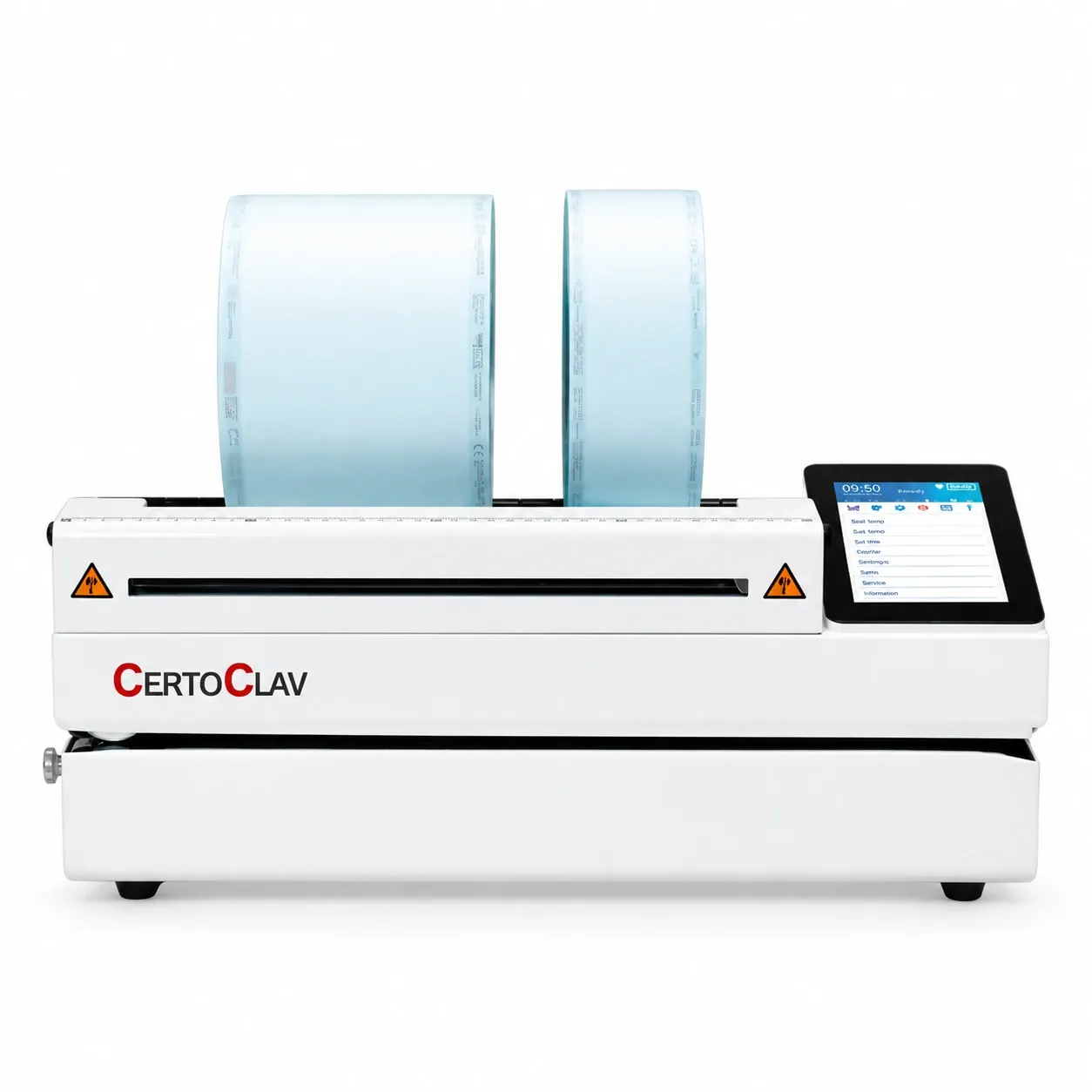
USB cableCertoSeal 300
A USB cable to the practice PC, LAN with an adapter. Every seal goes over by itself. The CertoSeal 200 documents to USB instead.
Set it up once, then it runs with the day.
- 01
Set the device up
Place it and connect it to your router by LAN or WiFi. This is the only part that happens on site.
- 02
Install on the PC
Our IT people do this remotely. A folder on your Windows PC is linked to your practice software. That folder is the whole interface.
- 03
Set the device
Together on the phone: where the device writes, and who is allowed to release a batch.
- 04
Then it runs
After every cycle the record lands in that folder by itself. Nothing is typed over, nothing is carried across.
Questions we get asked.
Can the autoclave be connected to my practice software?
Yes. Over LAN, WiFi or the serial interface the class B autoclaves hand their records to common practice and documentation software. Tell us which program you run and we will confirm it.
What if my software is not on the list?
It will often work anyway. The connection is a folder, not a proprietary interface, which is why many unlisted practice and documentation systems read the records without anything special. Ask us and we will check it for you.
What happens after a cycle finishes?
The record is written and lands in a folder on your Windows PC. That folder is linked to your practice software, so the record is there to look at, with nothing carried across by hand.
Do I have to transfer the records by hand?
No. Once the connection is set up, the record lands in the linked folder after every cycle. Transferring by hand falls away entirely.
What format are the records in?
Plain text files, written automatically. The output format is standardised, which is what lets common practice and documentation software read them and file them against the batch.
Can I keep the records on a USB stick instead?
Yes. The records can be written to a USB stick at any time (ideally empty, at most 16 GB, FAT formatted), and are saved as text files. No software connection is needed for that.
Do I need an internet connection?
Not for the day-to-day documentation. A local network connection between the autoclave and your PC (LAN or WiFi), is enough.
Can labels with a barcode be printed and scanned?
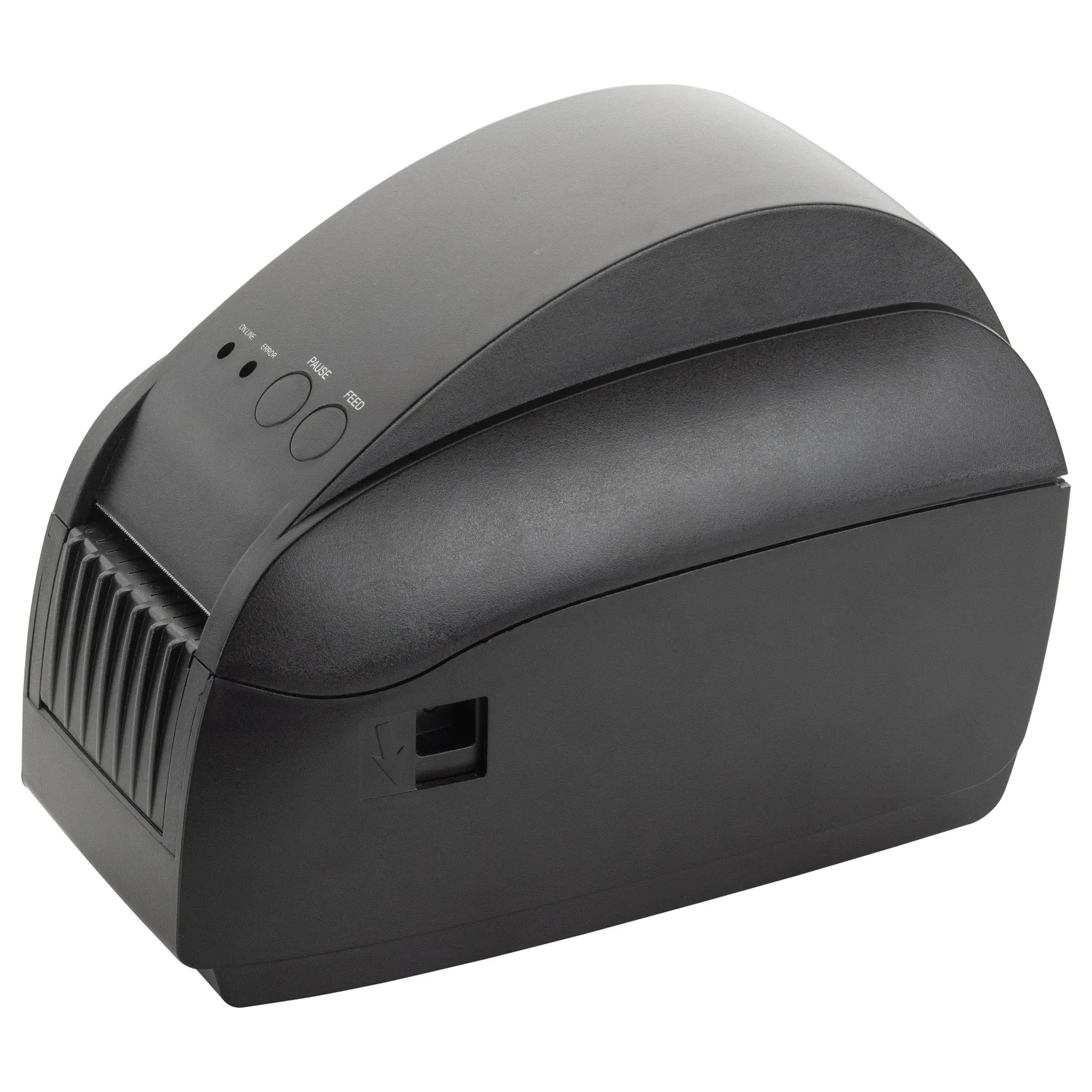
Yes. Labels are printed automatically or on request and carry a barcode that any practice software or digital patient record can read. A barcode reader on the PC scans them back in.
Can several devices be documented together?
Yes. ClavioSoft works across devices and manufacturers, so autoclaves, washer-disinfectors and sealing devices end up in the same file.
Can an autoclave we already own be connected?
Often yes. ClavioSoft is manufacturer-independent and connects to over 200 devices. Tell us the device and we will check it for you.
Does a software connection help in a hygiene audit?
Yes. The batch documentation is complete and traceable, so every record is quick to find when someone asks for it.
Do I need technical knowledge for this?
No. Our IT people do the larger part of the setup remotely: the installation and configuration on the PC, and the settings on the device together with you on the phone. You place the hardware and connect it to the router.
Is the setup really done remotely?
Yes, most of it. The installation on the PC runs over remote support software, the settings on the device we do with you on the phone. Only placing the device happens on site. That is where your dealer comes in.
Does it work through our firewall?
Yes. During the remote installation on the PC our IT people adjust the firewall settings so that the records transfer reliably.
Do we get support if the connection gives trouble later?
Yes. Support is part of what you get. Our IT people help you remotely after the setup as well, if something needs adjusting.
What does setting up the connection cost?
The connection is done mostly remotely by our IT people and is part of our service. What that means for your setup is in the quotation from your dealer.
What happens if we change practice software later?
The documentation sits in a standard folder, so it can usually be pointed at the new software. Get in touch when you switch and we will check it.