
Task 1: Close the door
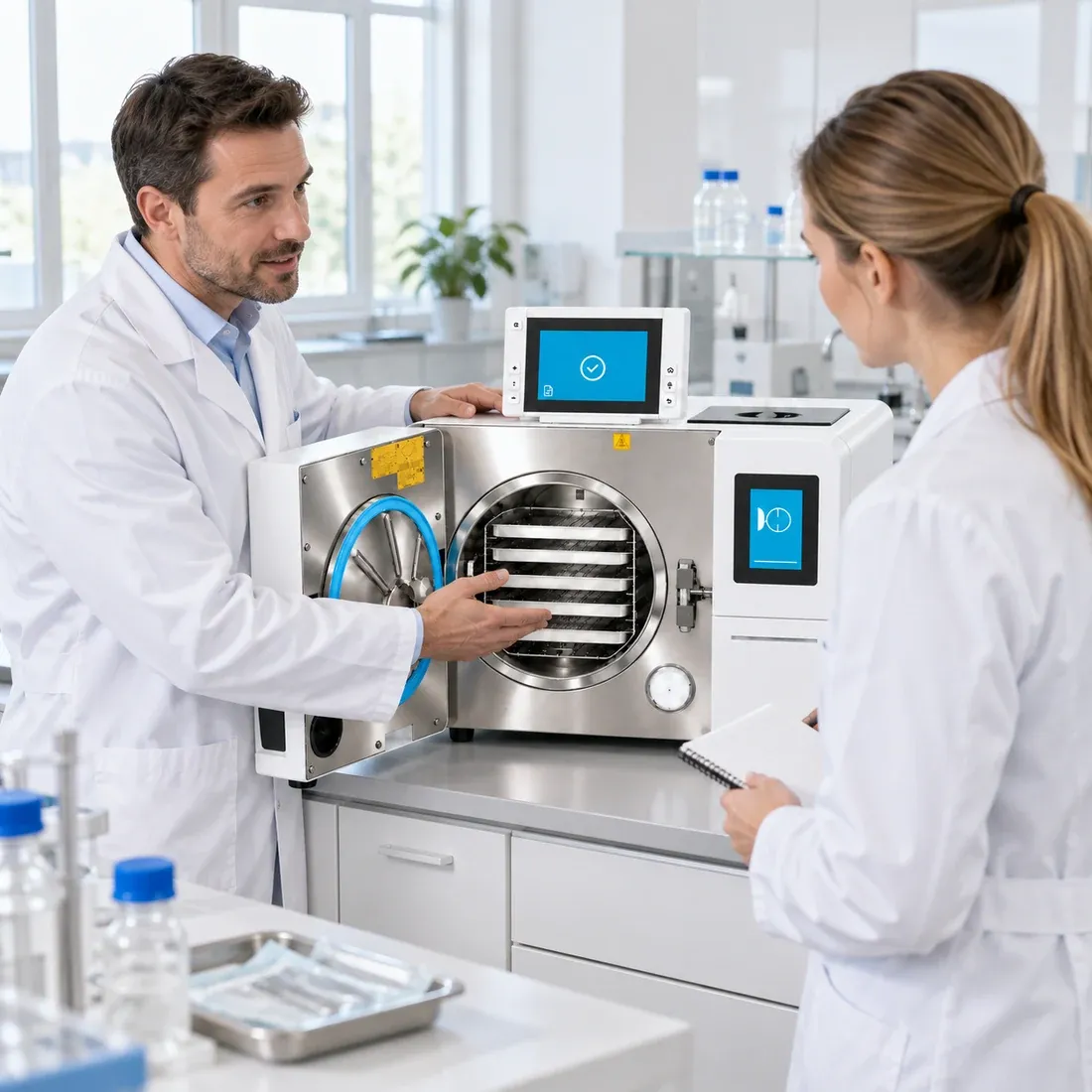
The Neo is open. Close the door with the button “Close door”.
Waiting for your input on the display …
Products
Laboratory Autoclaves
All laboratory autoclavesVertical, top loading
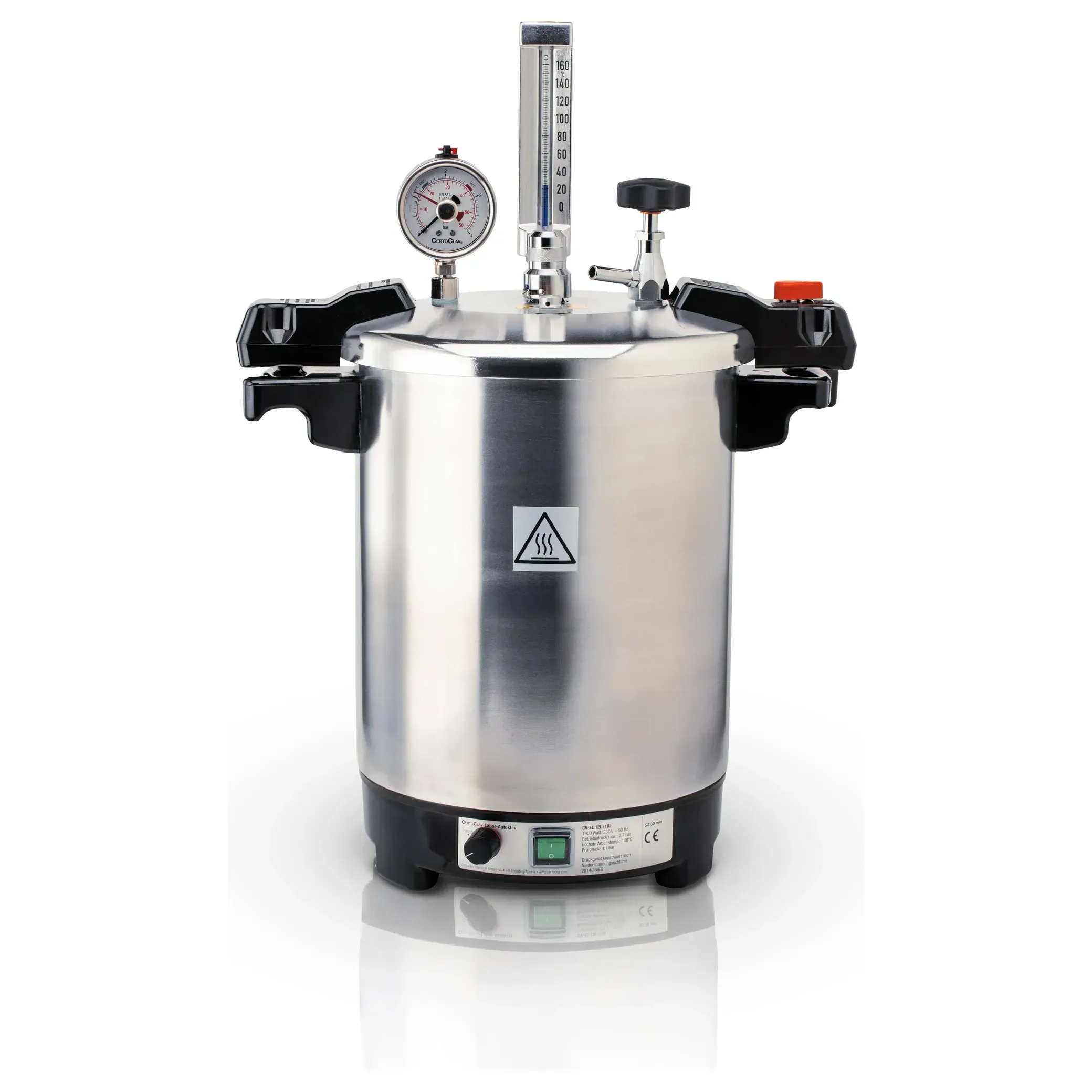 CertoClav EL12 L
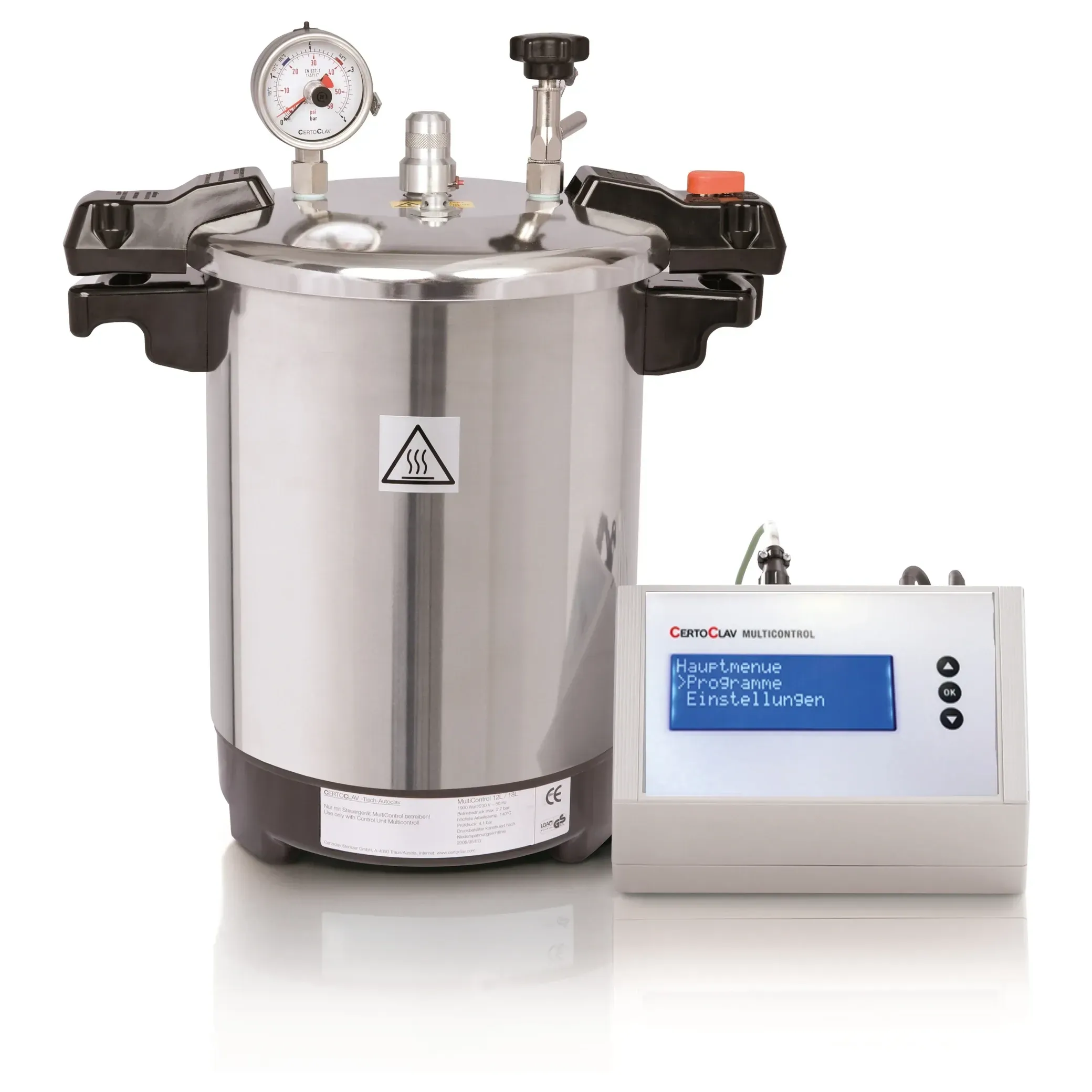 CertoClav MultiControl12 L
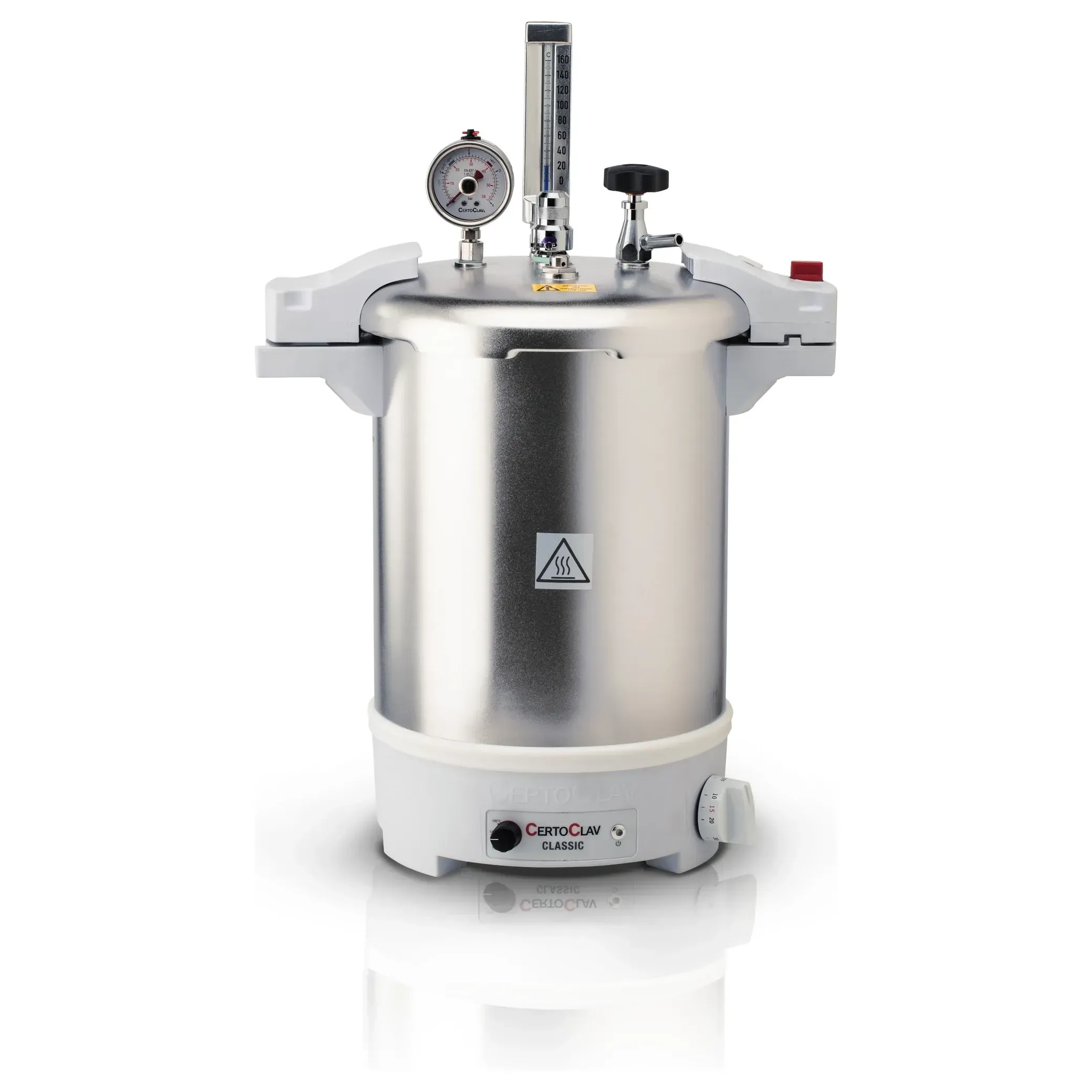 CertoClav Classic18 L
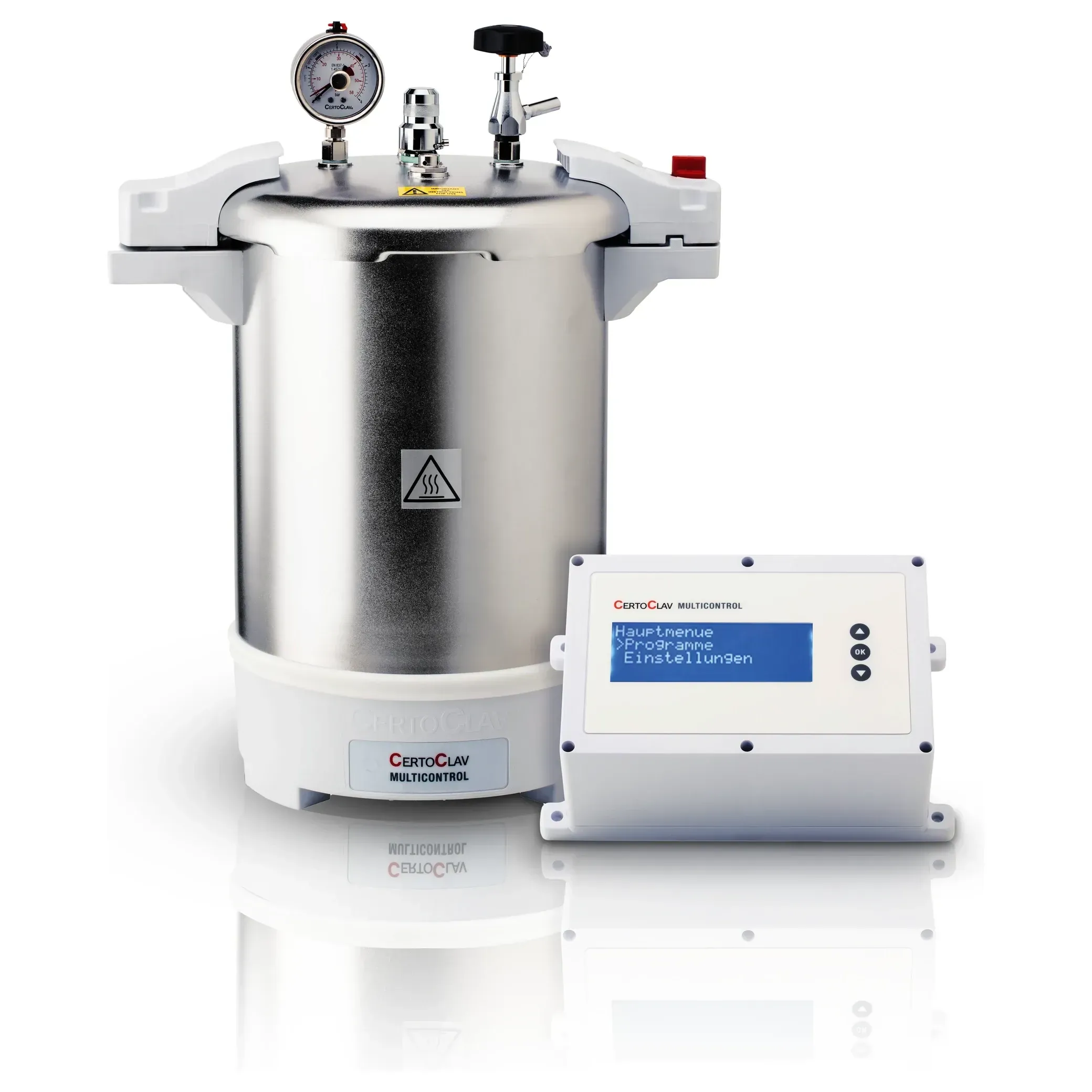 CertoClav MultiControl 218 L
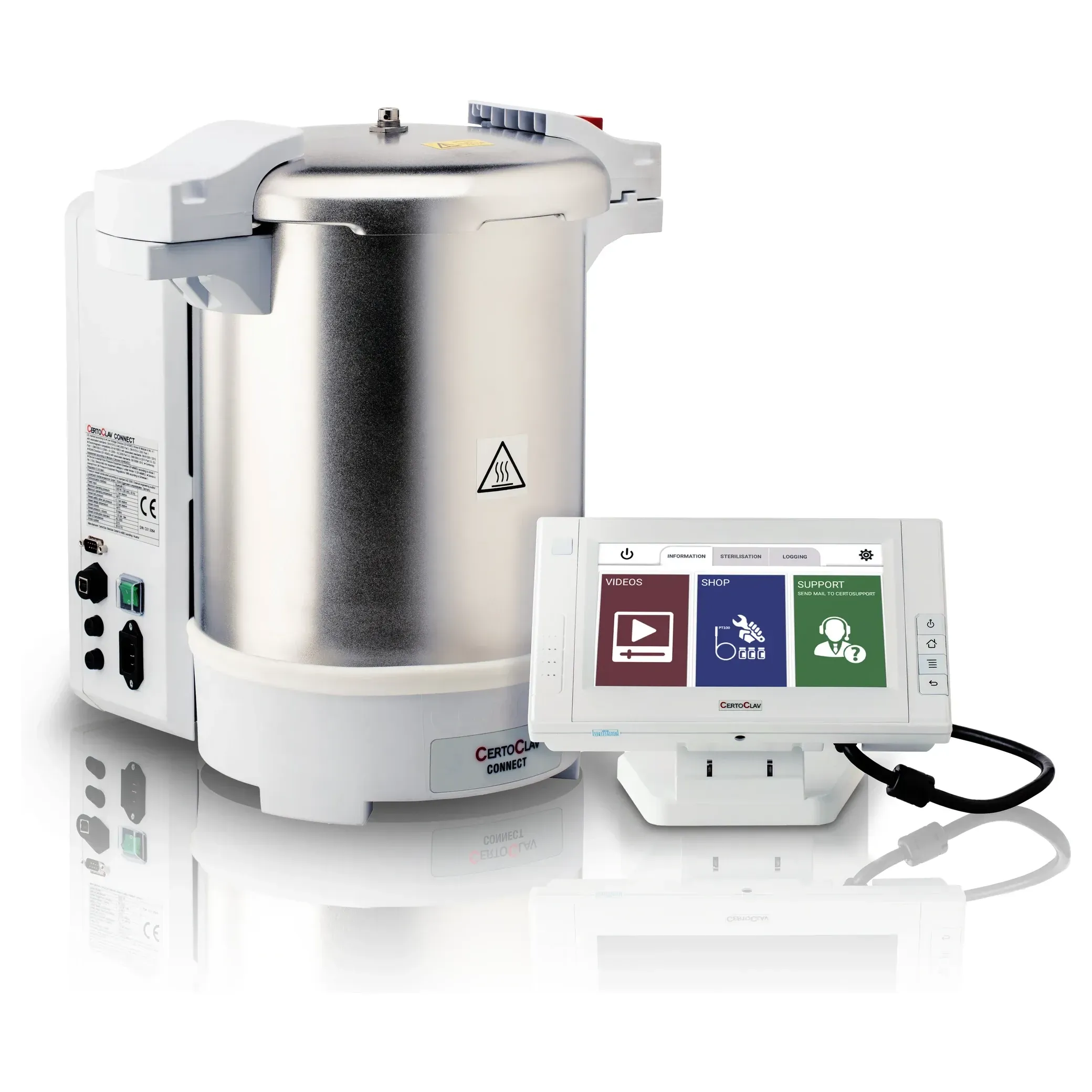 CertoClav Connect18 L
Horizontal, fractionated vacuum
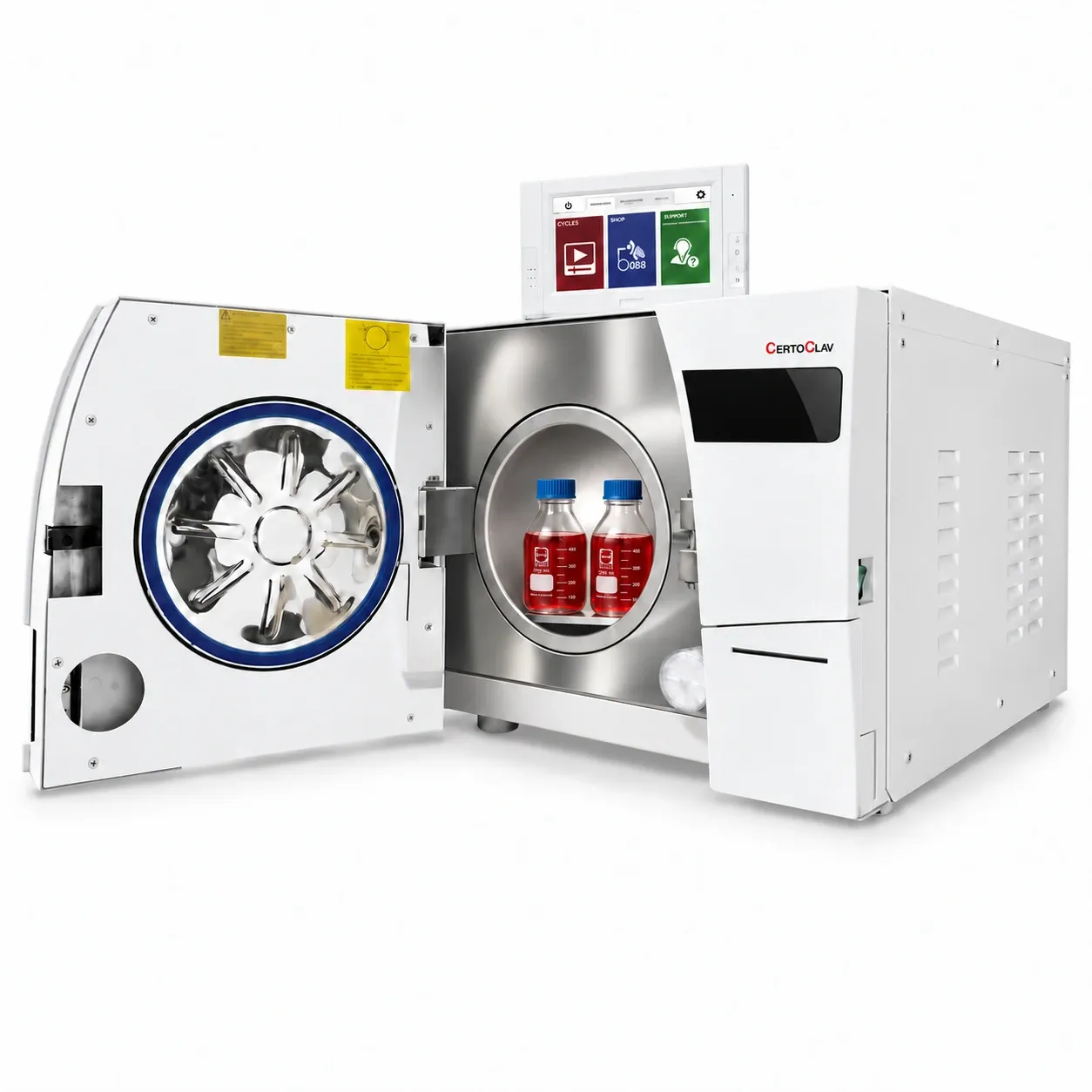 CertoClav VacPro 1212 LCertoClav VacPro 2222 L
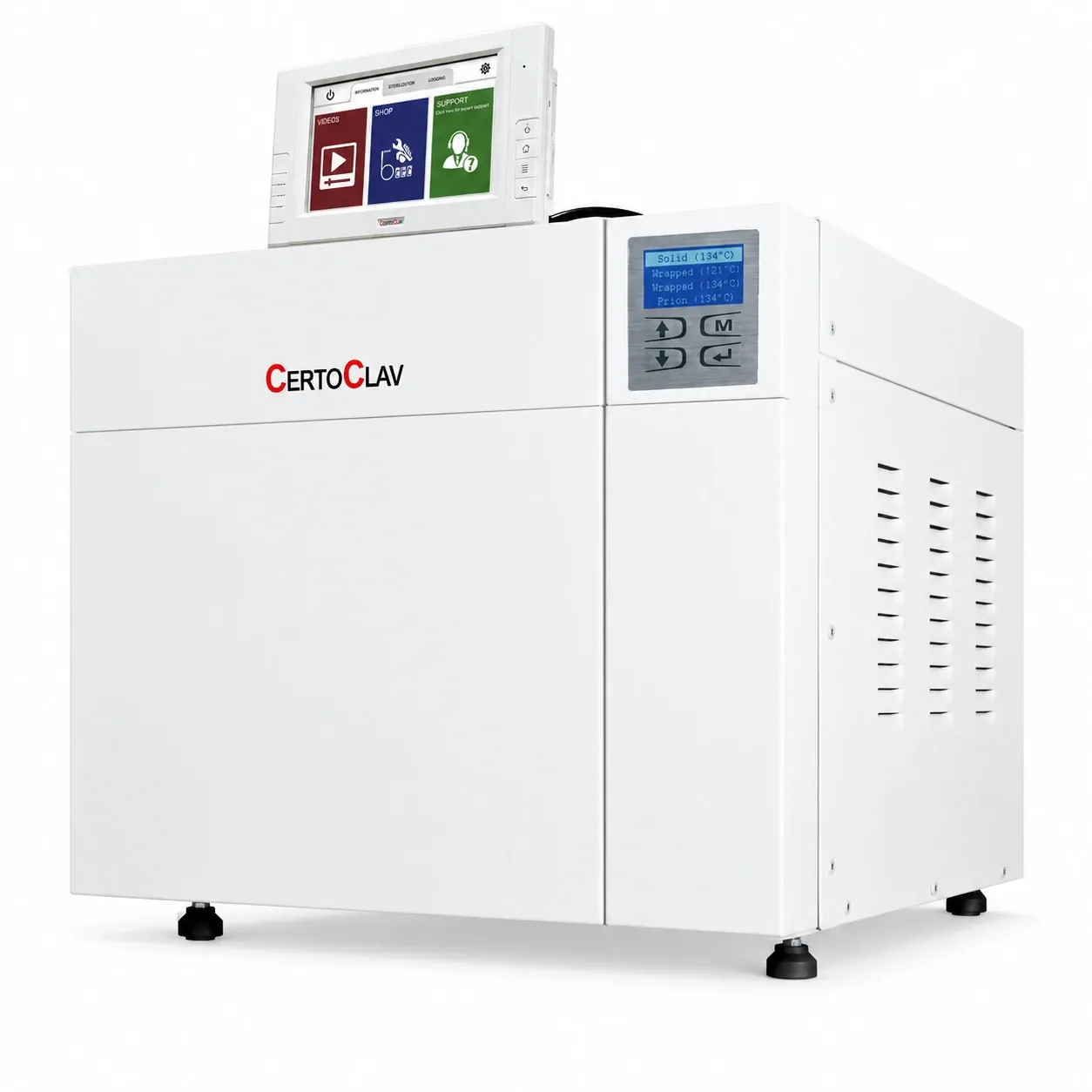 CertoClav VacPro 4545 L
Accessories
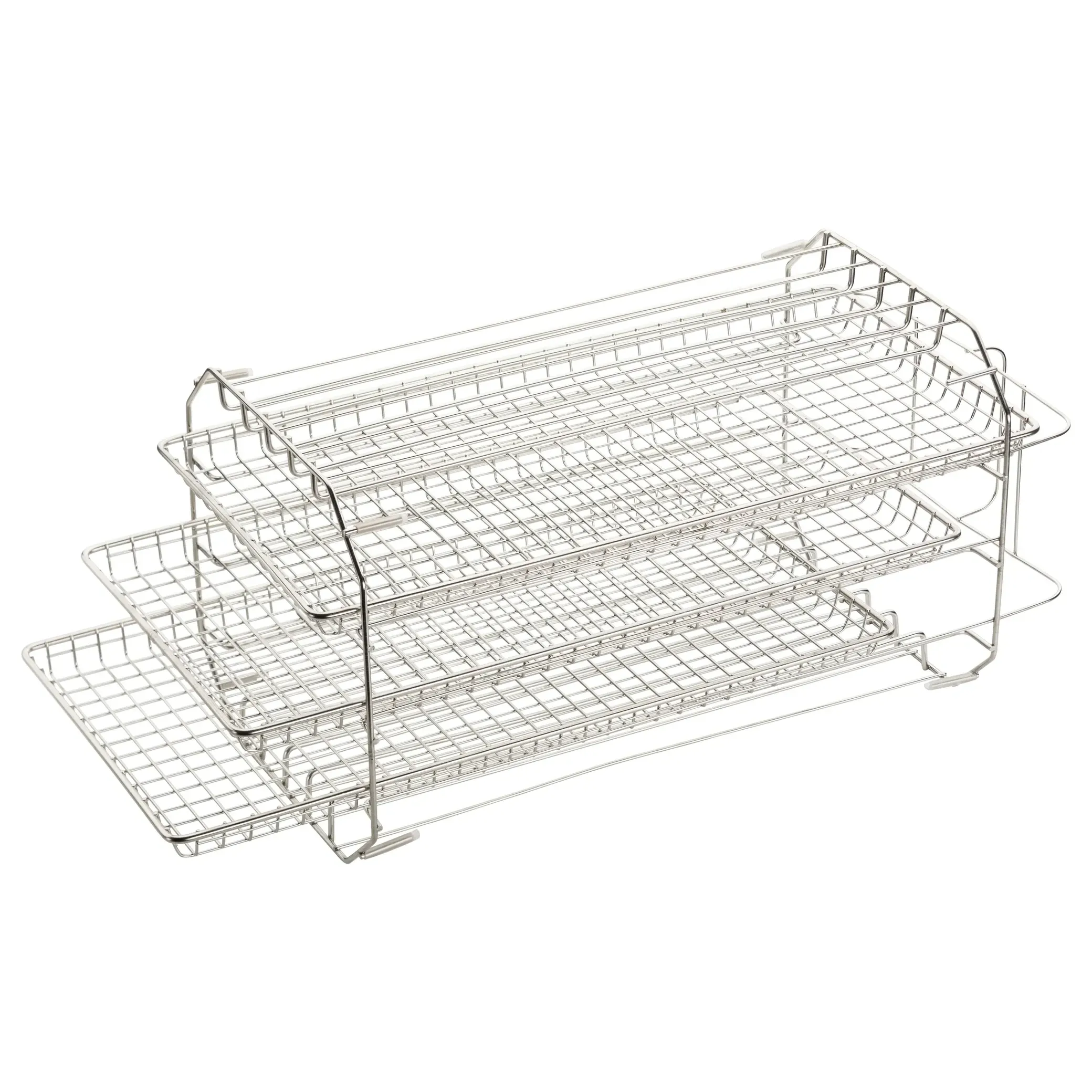 Baskets, plates and trays
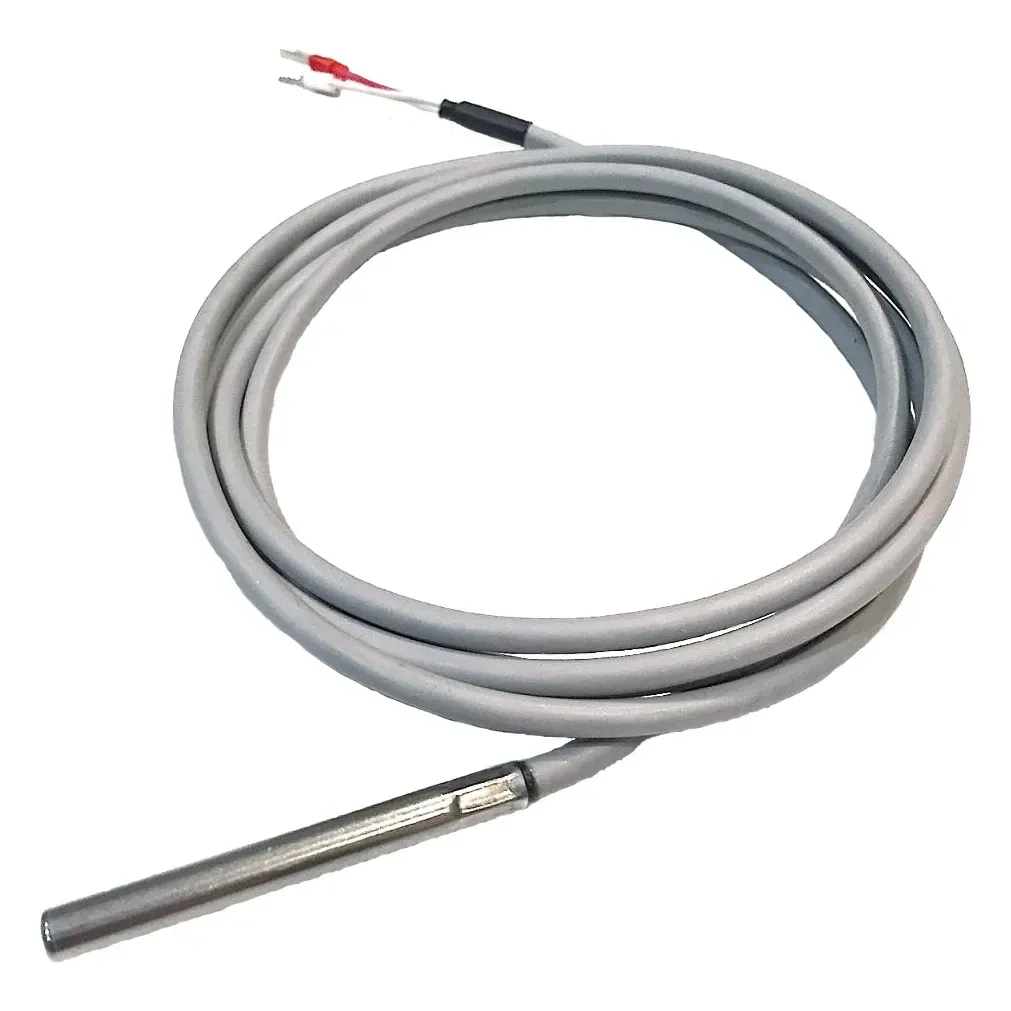 Sensors
 Documentation and licences
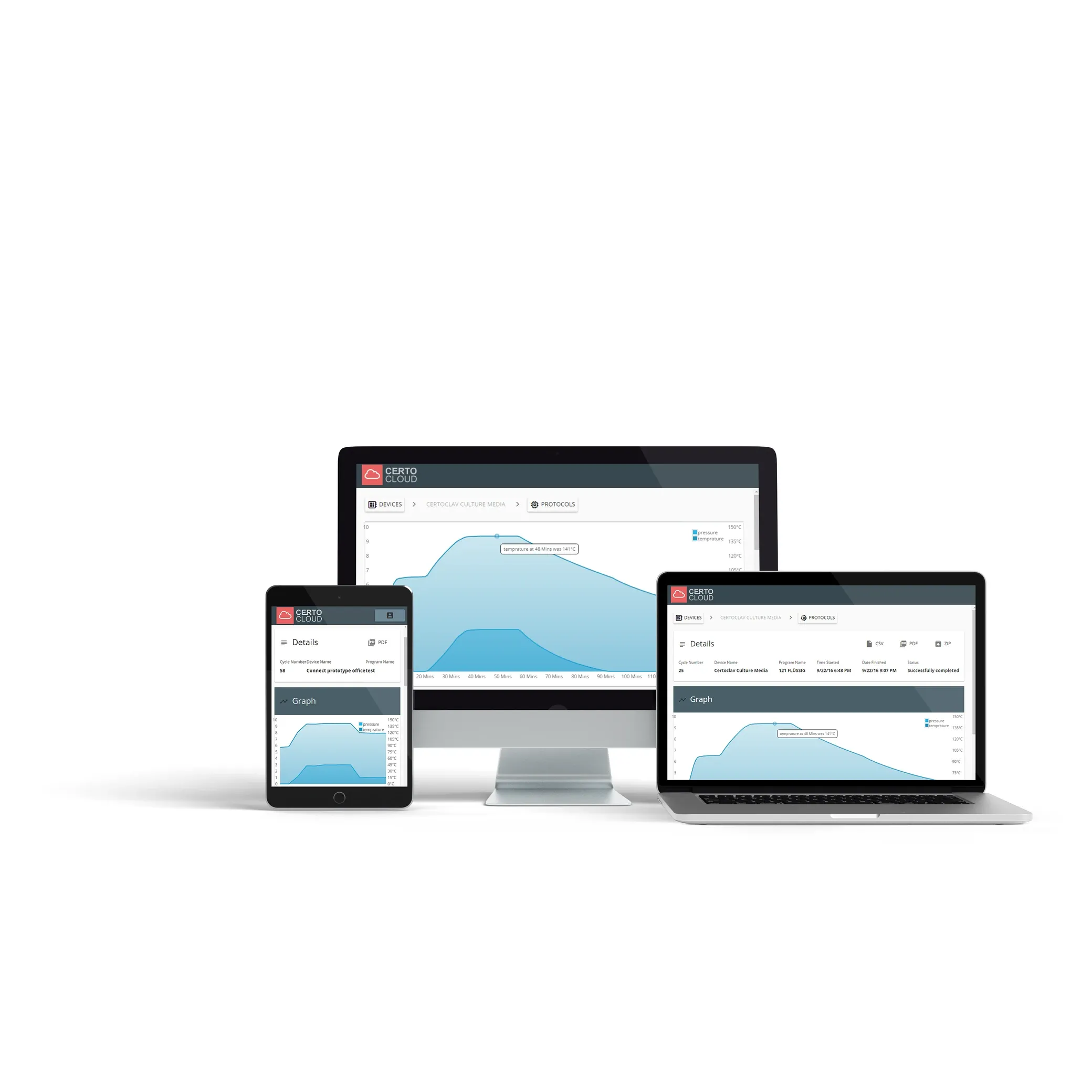 CertoCloud
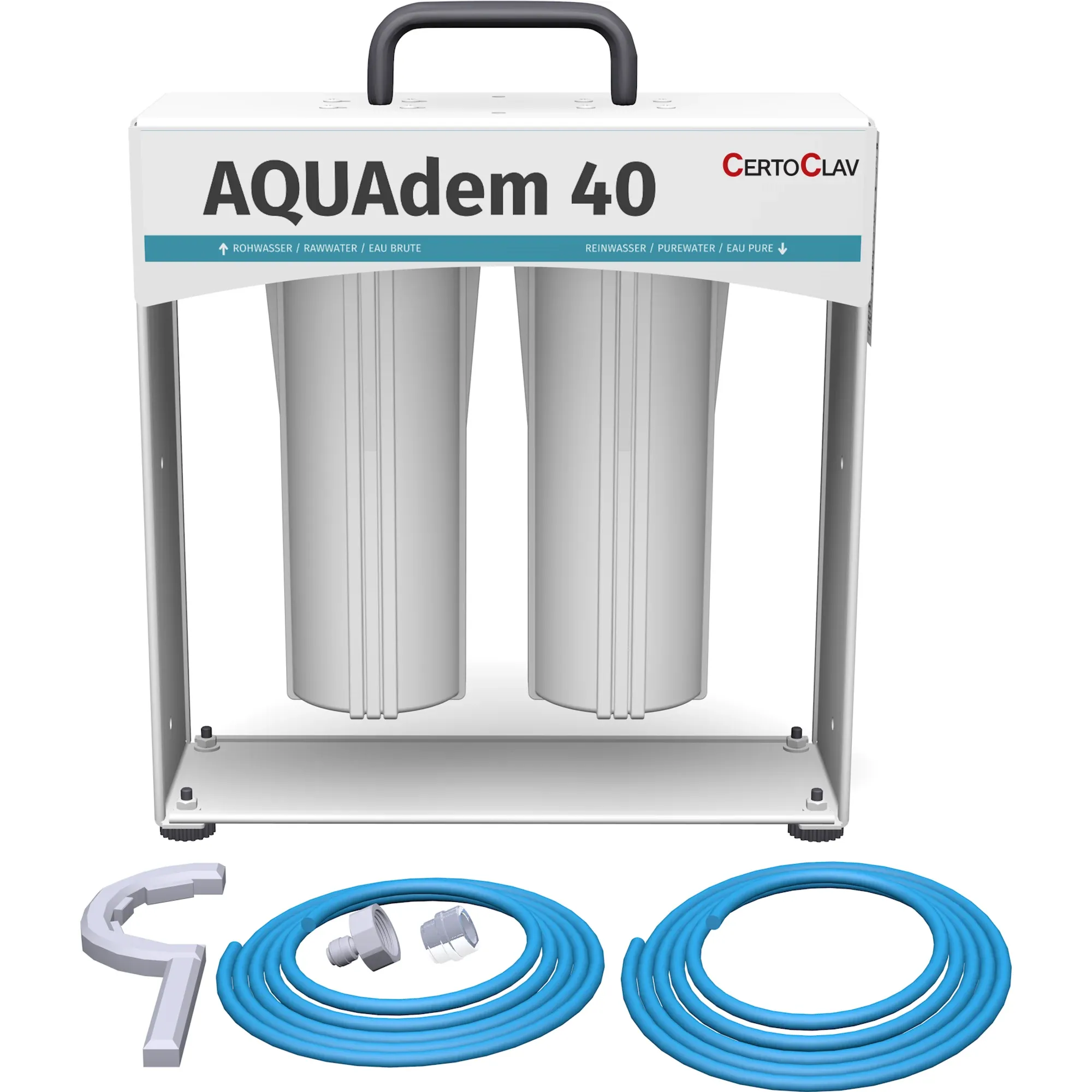 Water treatmentWear parts and service sets
Medical Autoclaves
All medical autoclavesClass B autoclaves
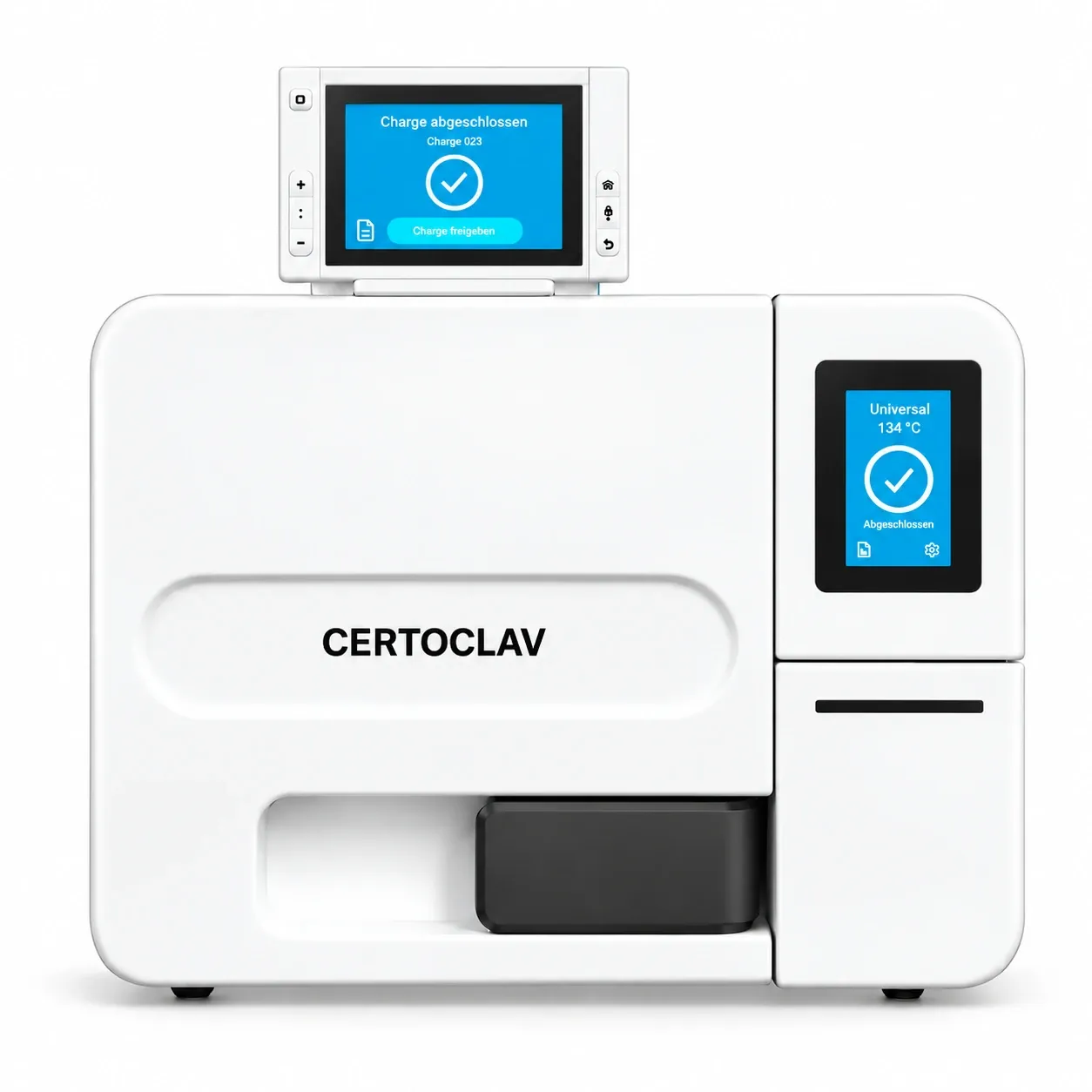 CertoClav Neo 18LFSS18AACertoClav Neo 23LFSS23AA
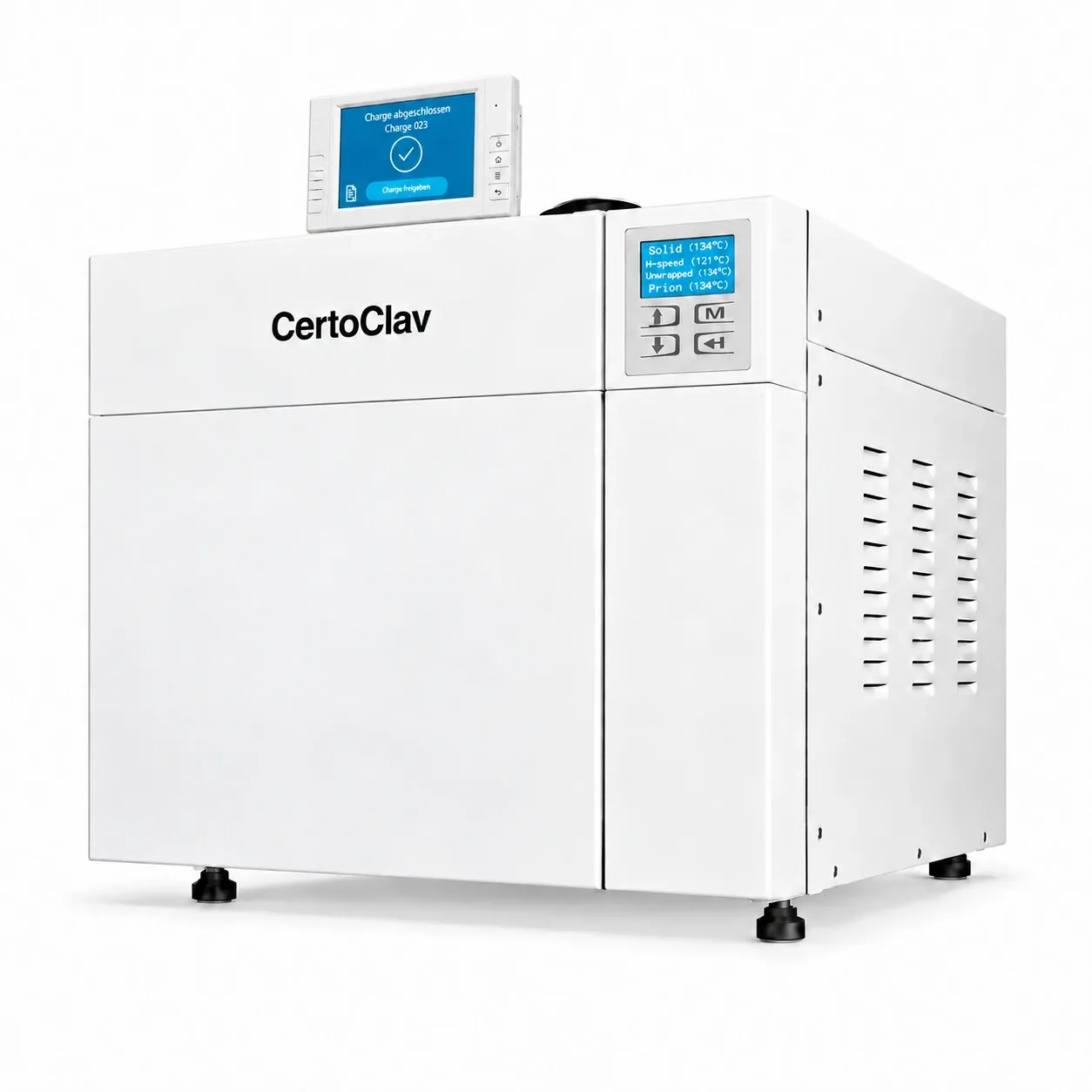 CertoClav Neo 45STE45T
Accessories
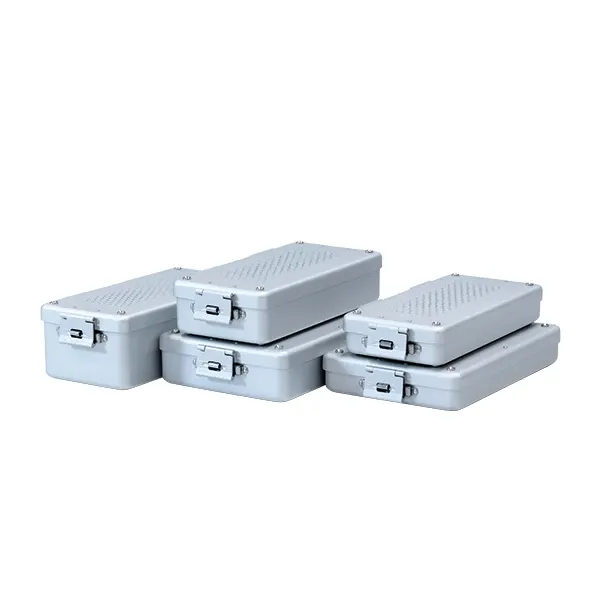 Sterilisation containers6 sizes
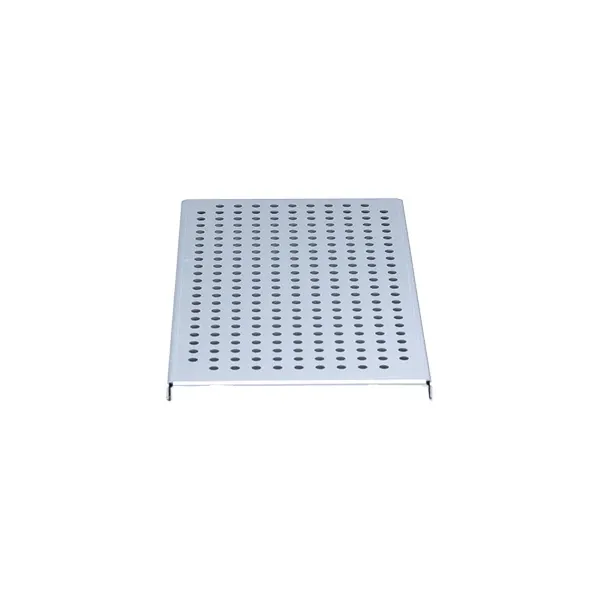 Base plates3 sizes
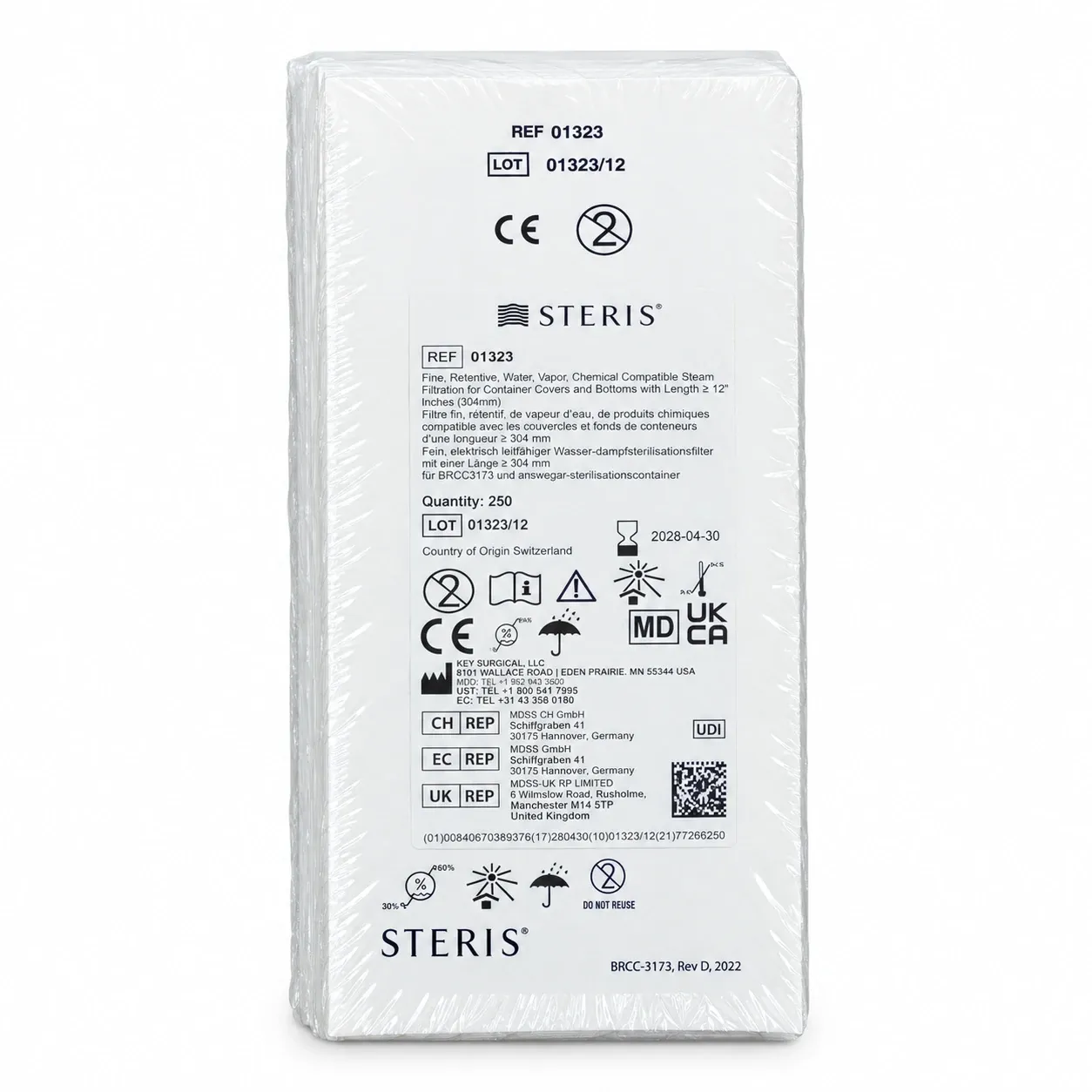 Filters
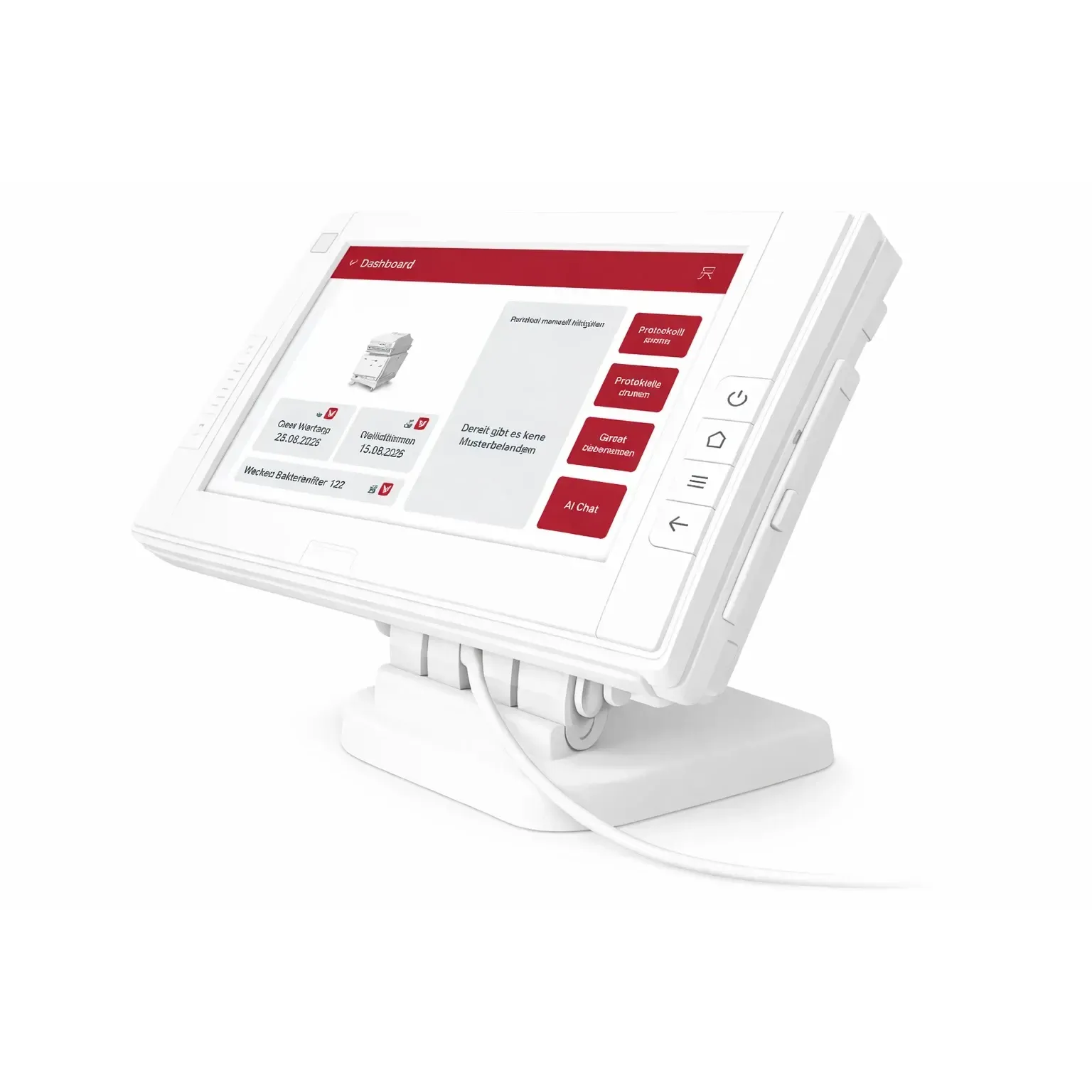 CertoAssist
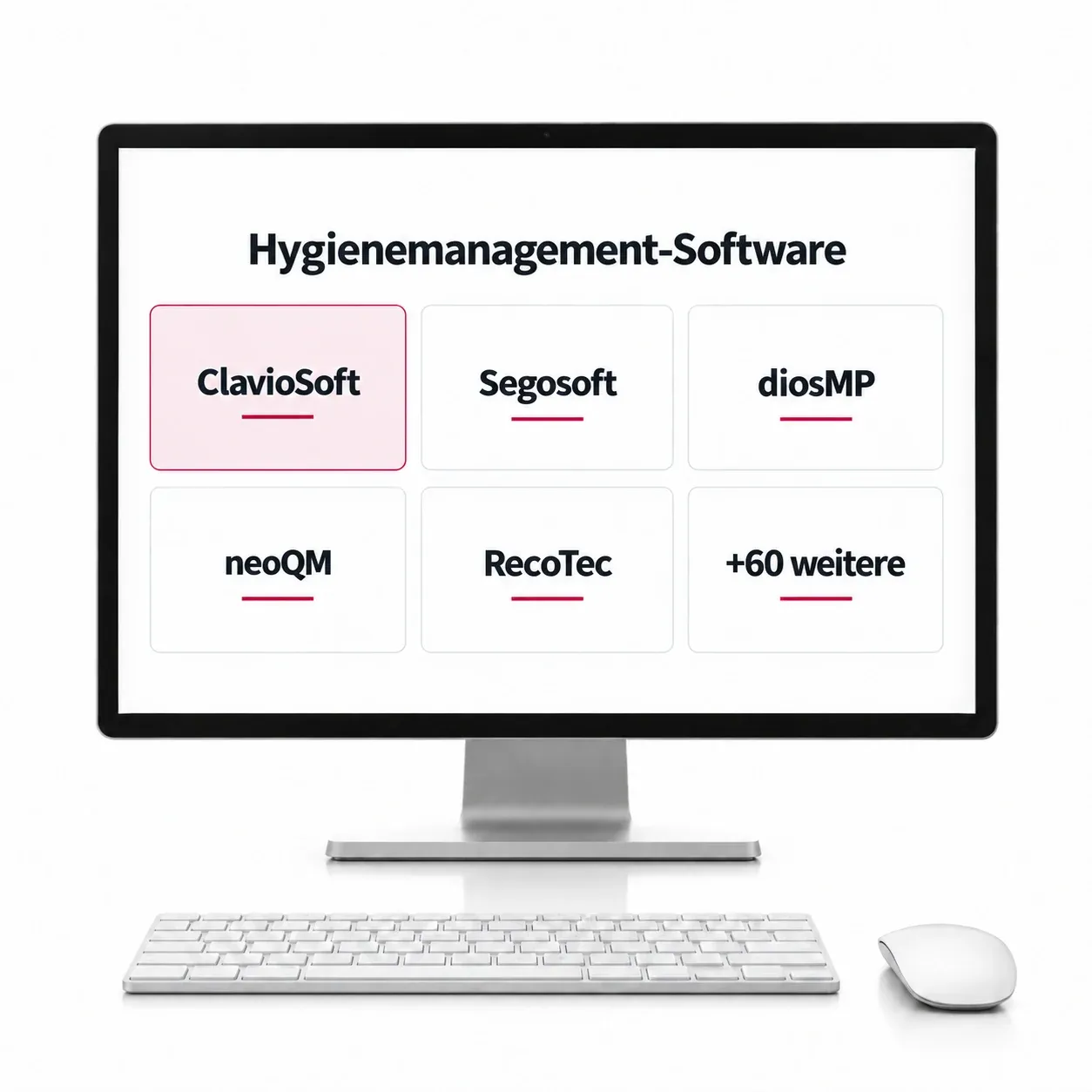 ClavioSoftWater treatment
Task 1 / 6

The Neo is open. Close the door with the button “Close door”.
Waiting for your input on the display …
Tap the programme symbol (four squares) and choose B1 Universal 134 °C.
Waiting for your input on the display …
Press start (▶) and watch the cycle. Wait until “Cycle complete” appears.
Waiting for your input on the display …
The cycle is complete. Open the door with the button “Open door”.
Waiting for your input on the display …
Now the upper touchscreen: tap “Release batch”, tick the three checks and sign.
Waiting for your input on the display …
Now the Neo is yours: try the menu, the test programmes, the pressure curve and the language. The door button opens and closes the door.
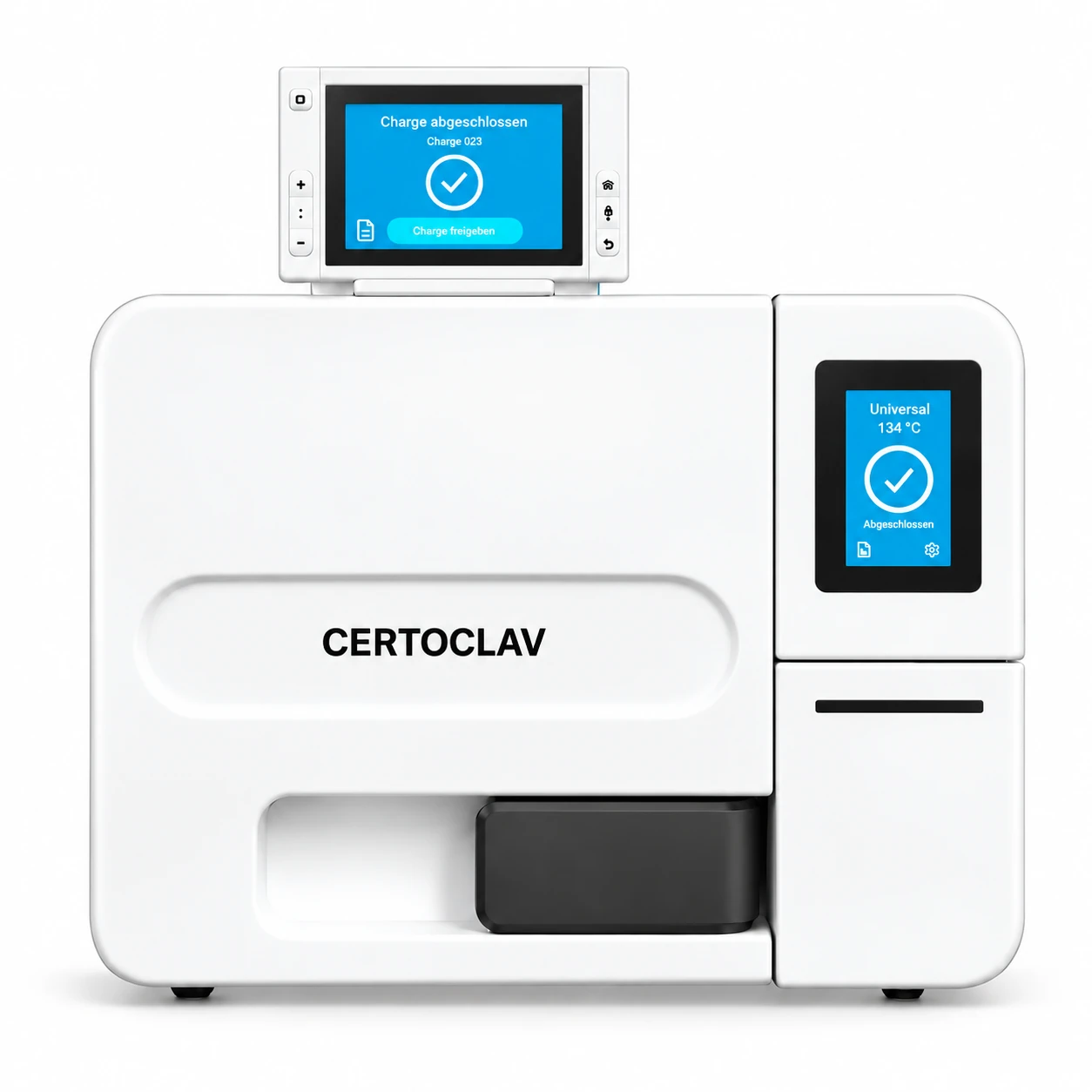
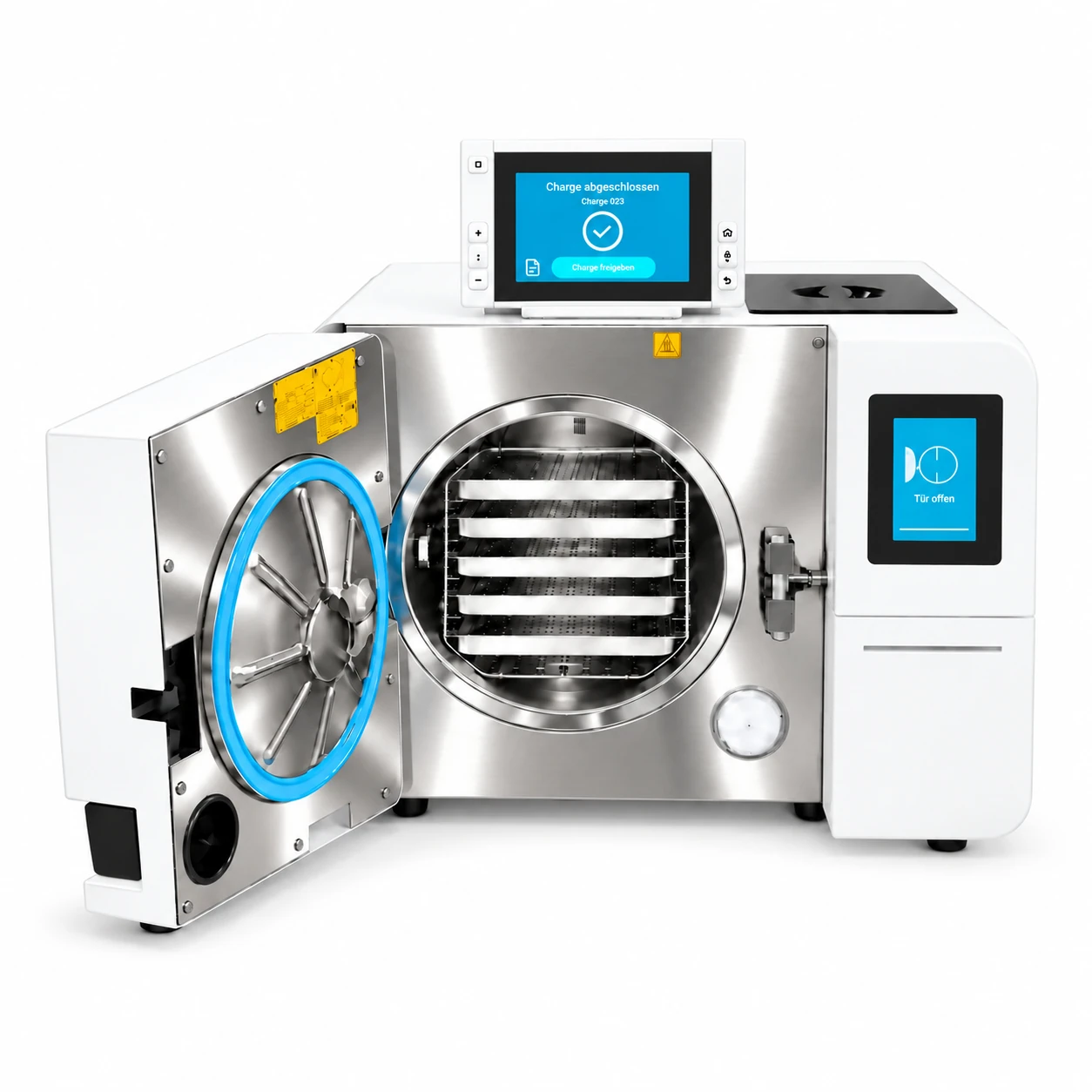
Simulation of the user interface, as a preview. It does not replace the instruction at the device. Times and values run faster than on the device and are not measured values.

Welcome to the Neo induction training!
Five tasks, then the Neo is yours. I will be with you at every step.
Done, well done!Spot on!Perfect, on to the next one!Done! Cycle run and batch released.
Task 1 / 5